

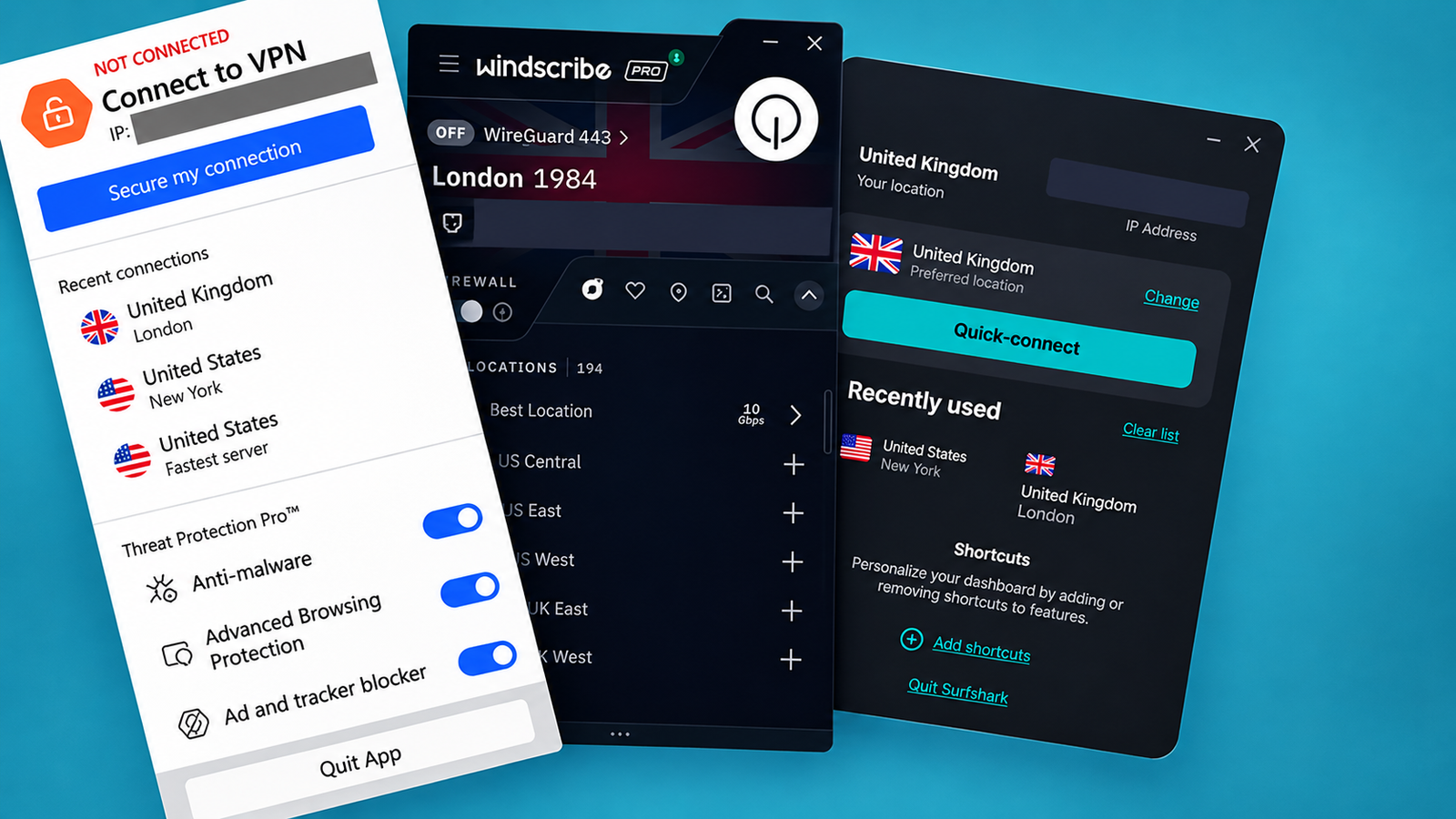

The best VPN for gaming in 2026 is the one you barely notice. It hides your home IP address from opponents, keeps you safer on public Wi-Fi, and adds so little delay that your shots still land where you aim. After comparing the latest 2026 test data from PC Gamer, provider documentation and console setup guides, NordVPN is our top all-round pick, with Windscribe, Surfshark, Mullvad and Proton VPN each winning a specific job.
There is one honest caveat to start with. No VPN can turn a bad connection into a great one, and a few games actively dislike VPN traffic. This guide explains which services work best, what they really do to your ping, and where the real risks sit, so you can decide whether you need one at all.
Quick answer: the best gaming VPNs right now
- NordVPN: best overall, with near-zero added ping and the strongest record with strict anti-cheat games.
- Windscribe: best for raw ping, unlimited devices and a free tier, but it struggled with Valorant.
- Surfshark: best budget option, with unlimited devices for shared gaming households.
- Mullvad: best for privacy, with no email sign-up and one flat monthly price.
- Proton VPN: best free plan and strongest privacy ecosystem, though its ping and jitter were the weakest in testing.
How these picks were chosen
Altas Gaming did not run its own lab benchmarks for this guide. Instead, we built the rankings from published, reproducible test results and checked each provider’s own pages for prices, device limits and features.
The main performance data comes from PC Gamer’s 2026 gaming VPN guide by hardware writer Jacob Fox. He measured Counter-Strike 2 ping on a local UK server and a distant US server, timed a 15.3GB Steam download, and measured jitter on Cloudflare’s speed test, all over a wired connection on a Ryzen 7 7800X3D system. He also tried each VPN with Valorant, whose kernel-level Vanguard anti-cheat makes it a useful stress test.
That matters because most “best VPN” lists lean on generic speed tests. For games, the numbers that count are latency (how long data takes to travel), jitter (how much that delay jumps around) and whether the game lets you connect at all.
What a VPN actually does to your ping
A VPN sends your traffic through an encrypted tunnel to one of its servers before it reaches the game server. That extra stop usually adds a little delay. The good news is that modern protocols such as WireGuard, and versions built on it like NordVPN’s NordLynx, have made that cost very small.
In PC Gamer’s tests, the no-VPN baseline on a local Counter-Strike 2 server was 12.58ms. Every VPN tested landed within about 1.3ms of that figure. Windscribe (12.34ms) and ExpressVPN (12.22ms) even came in fractionally lower, which is within normal run-to-run variation rather than proof that a VPN makes you faster.
So can a VPN lower your ping? Occasionally, yes. If your internet provider routes traffic to a game server along a poor path, a VPN server with better connections can shorten the journey. That is the exception, not the rule. A VPN will not turn a 150ms connection into a 20ms one, and a distant or overloaded server will make things worse.
Gaming VPN comparison table
Prices change constantly, especially around Black Friday. The figures below are starting prices on long-term plans as published in late 2026 and should be checked before buying.
| VPN | Best for | Local CS2 ping (no VPN: 12.58ms) | Jitter (no VPN: 10.66ms) | Devices | Free plan | Starting price |
|---|---|---|---|---|---|---|
| NordVPN | Overall | 12.73ms | 14.06ms | 10 | No | About $3.09/month |
| Windscribe | Lowest ping | 12.34ms | 12.90ms | Unlimited | Yes (data-capped) | About $5.75/month |
| Surfshark | Budget | 13.54ms | 12.37ms | Unlimited | No | About $1.78/month |
| Mullvad | Privacy | 12.55ms | 12.40ms | 5 | No | €5/month flat |
| Proton VPN | Free plan | 13.80ms | 20.70ms | 10 (paid) | Yes (unlimited data) | About $2.99/month |
Ping and jitter figures: PC Gamer 2026 testing. Every service finished the 15.3GB Steam download in 275 to 276 seconds, against 271 seconds without a VPN, so download speed is not a real differentiator among these five.
1. NordVPN: the best VPN for gaming overall
NordVPN earns the top spot because it does everything well and has the fewest surprises. Its NordLynx protocol stayed within a fraction of a millisecond of an unprotected connection on a local server, and it posted the lowest ping of the main five when connecting to a distant US server (85.13ms).
The bigger reason is compatibility. In PC Gamer’s testing, Valorant let NordVPN connect while it blocked both Windscribe and Surfshark. If you play games with aggressive anti-cheat, that reliability is worth more than a fraction of a millisecond.
One plan covers 10 devices. NordVPN also offers Smart DNS and router setup guides for PlayStation and Xbox owners, plus Meshnet, a feature for creating private virtual LAN connections between your devices and friends. NordVPN had announced Meshnet would close in December 2025, but reversed that decision after user backlash, so it remains available.
The downsides are small but real. NordVPN’s apps are not open-source, apart from its Linux client, and the app does not show server pings, so finding the fastest location takes a little trial and error.
2. Windscribe: the best VPN for low ping
Windscribe recorded the lowest ping of the five main picks on a local Counter-Strike 2 server, and its jitter stayed close to a no-VPN connection. For players who care most about responsiveness in competitive shooters, it is the most impressive performer on paper.
It also comes packed with tools power users will appreciate. Windscribe allows unlimited devices on one account, supports WireGuard, IKEv2, OpenVPN, Stealth and WStunnel connections, and its apps are open-source. Instead of a standard kill switch, it uses a firewall that blocks all traffic outside the VPN tunnel to prevent leaks.
The catch is the same one that holds it back from first place. Windscribe failed to run Valorant in testing, and it has fewer independent audits than some rivals. Its settings can also feel overwhelming at first. The free plan is a useful way to test ping on your own connection before paying, but it carries a monthly data cap.
3. Surfshark: the best cheap gaming VPN
Surfshark is the easiest recommendation for value. Long-term plans have regularly dropped below $2 a month, and a single subscription covers unlimited devices, which suits households where several people game on PCs, consoles and phones.
It lists more than 4,500 servers in 100 countries and uses WireGuard for speed. Its local ping was about 1ms above baseline, still unnoticeable for most players, while its jitter was among the most stable in the group.
The weakness is strict anti-cheat. Surfshark failed the Valorant test, and Riot’s website flagged the connection for unusual activity. The workaround is split tunneling: exclude the game from the VPN while keeping everything else protected. Console owners should also note reports that Surfshark no longer offers Smart DNS, so router or PC sharing is the safer route.
4. Mullvad: the best VPN for privacy-focused gamers

Mullvad takes a different approach from the rest. There is no email sign-up; you get a random account number instead. You can even pay in cash or cryptocurrency, and the price is a flat €5 per month whether you pay monthly or for years in advance.
Performance on local servers was excellent, essentially identical to having no VPN at all. Ping to the distant US server was slightly higher than the others at 87.69ms, though the gap is too small for most players to feel.
Mullvad is deliberately minimal. It supports WireGuard only, allows five devices, and lacks the extras that bigger providers bundle in. It also has a 14-day refund window rather than the 30 days common elsewhere, and cash payments are excluded. If privacy is your priority, those trade-offs are part of the appeal.
5. Proton VPN: the best free VPN for gaming
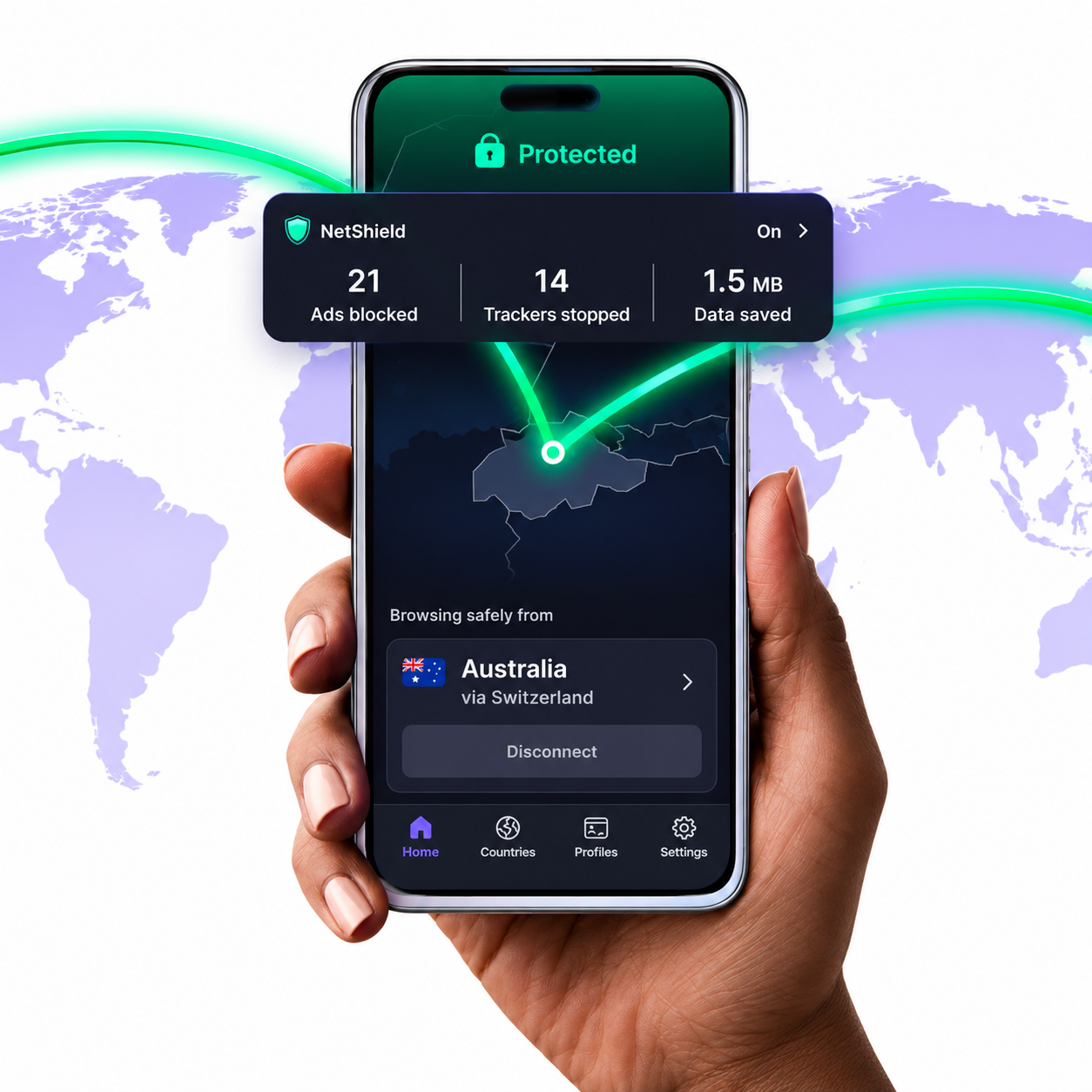
Proton VPN is the pick for players who want to try a VPN without paying. Its free plan has no data cap, no ads and no time limit, which is rare among free services. The limits are that it covers one device and automatically assigns you to free servers in a small number of countries.
The paid plan unlocks 10 devices, a much larger network, Stealth protocol options and port forwarding, which can help when hosting game sessions. It also bundles neatly with Proton Mail, Drive and Pass, and the company is based in Switzerland.
For gaming specifically, Proton had the weakest numbers of the five. Its local ping was the highest, and its jitter, at 20.7ms, was nearly double the no-VPN baseline. Higher jitter means less consistent hit registration in fast shooters. Proton remains a strong privacy choice; just split tunnel your games if you notice inconsistency.
Worth considering: ExpressVPN
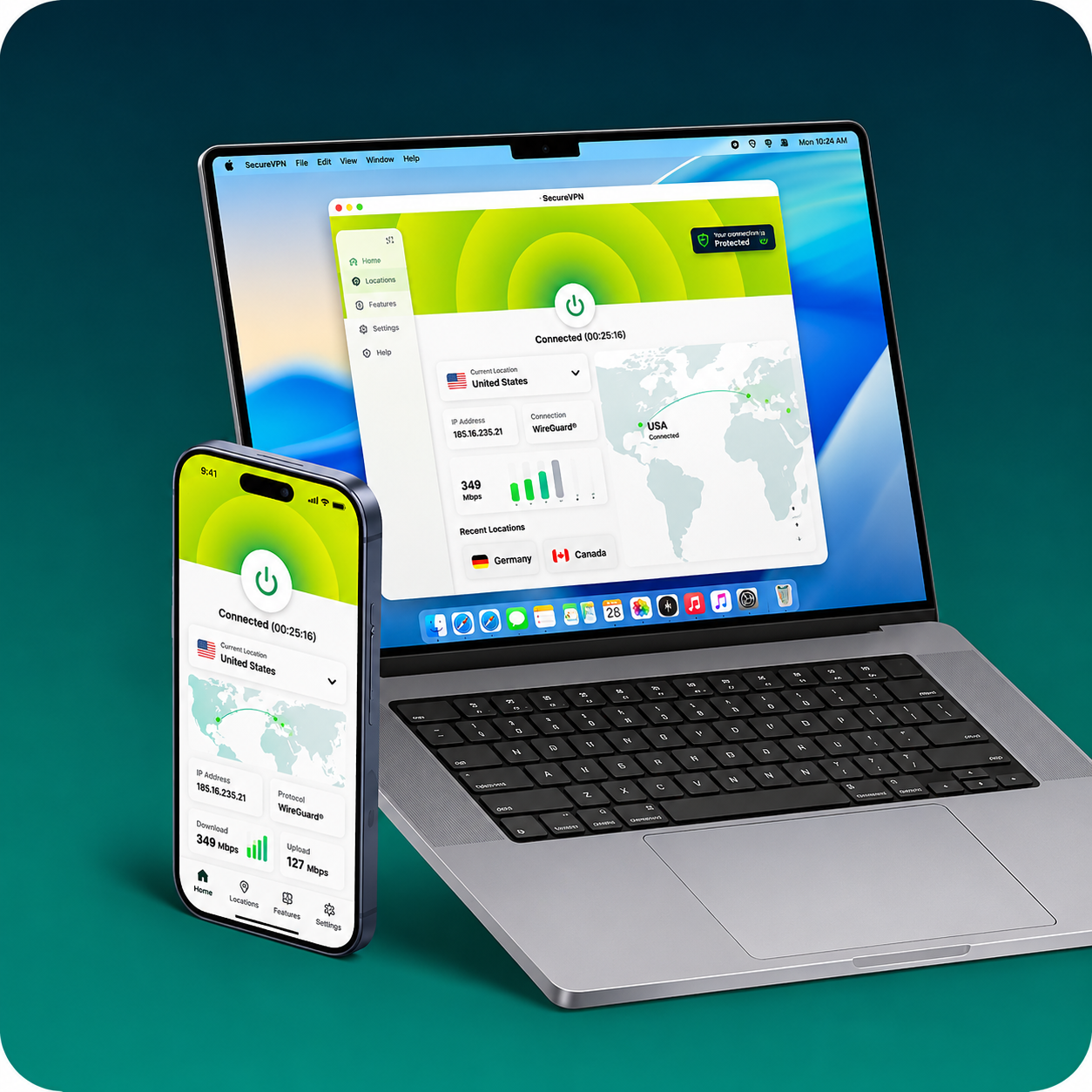
ExpressVPN appeared in PC Gamer’s benchmarks with the lowest local Counter-Strike 2 ping of any service tested (12.22ms), but it was not given a full review there. Other 2026 roundups rate it highly for steady ping and console-friendly router options. It is usually pricier than the picks above, so it suits players who value plug-and-play router setups over cost.
How to use a VPN on PS5 and Xbox
Neither PlayStation nor Xbox consoles support VPN apps. That leaves three practical options:
- Install the VPN on your router. Every device on the network, including your console, goes through the VPN. This gives full encryption but takes some setup and needs a compatible router.
- Share a VPN connection from your PC. Run the VPN app on a Windows PC or Mac and share that connection to your console over Ethernet or a hotspot. It works with almost any VPN but ties the console to the PC.
- Use Smart DNS. This changes your apparent region for some services without encrypting your traffic. It is easy to set up but offers no privacy or DDoS protection.
For most console players who want real protection, the router method is the best long-term solution.
The risks: bans, region-hopping and anti-cheat
This is the part many VPN guides skip. Using a VPN is legal in most countries, but using one to change your region in a game can break that game’s terms of service. Some publishers treat region-hopping, such as chasing easier lobbies or cheaper regional pricing, as bannable.
Anti-cheat is the other concern. Riot has said publicly that it is improving geofencing for Vanguard services to stop cheaters obtaining valid sessions, and VPN connections can trigger login or matchmaking errors in Valorant. Two of the five main picks failed to connect in testing for exactly this reason.
The safe approach is simple. Use a VPN for privacy and protection, connect to a server in your own region, and check a game’s rules before using it to reach another region.
Can a VPN stop DDoS attacks?
A VPN helps against the most common kind of attack gamers face. When a rival finds your home IP address, often through peer-to-peer connections or voice chat, they can flood your connection to knock you offline. With a VPN, they only see the VPN server’s address, and that server is far better equipped to absorb the traffic.
It is not perfect protection. Games that use dedicated servers already hide players’ IPs from each other, so the benefit is greatest in peer-to-peer games, when streaming, or when hosting your own sessions.
Free vs paid gaming VPNs
Most free VPNs are a poor fit for gaming. They tend to cap data, limit server choice, overload shared servers, or fund themselves in ways that undermine privacy. Proton VPN’s free plan is the notable exception, and Windscribe’s free tier is fine for testing.
If you play online regularly, a paid plan on a long-term deal costs only a few dollars a month and gives you server choice, more devices and better performance.
Tips to keep your ping low on a VPN
- Use WireGuard or the provider’s WireGuard-based protocol rather than OpenVPN.
- Pick a VPN server near the game server, not just near you.
- Use a wired Ethernet connection instead of Wi-Fi where possible.
- Turn on split tunneling for games that dislike VPNs or when downloading large updates.
- Test a few servers in the same region, since ping can vary between them.
Frequently asked questions
Does a VPN increase ping when gaming?
Usually by a very small amount. In 2026 testing, quality VPNs on local servers added roughly 0 to 1.3ms. Distant servers add much more because the data simply has further to travel.
Can a VPN reduce lag in online games?
Sometimes. If your provider routes traffic poorly or throttles gaming traffic, a VPN can help. If your lag comes from weak Wi-Fi, a slow plan or a distant game server, a VPN will not fix it.
Can I get banned for using a VPN in games?
Using a VPN for privacy is rarely a problem on its own. Using it to change region, access other servers or avoid restrictions can break a game’s terms of service, and strict anti-cheat systems such as Valorant’s Vanguard may block VPN connections.
What is the best free VPN for gaming?
Proton VPN offers the strongest free plan, with unlimited data and no ads. Its free servers are assigned automatically, however, and its ping and jitter were higher than paid rivals in testing.
Do I need a VPN for PS5 or Xbox?
Not for most players. It can help with privacy, DDoS protection or ISP throttling, but you will need to set it up through a router, a shared PC connection or Smart DNS, since consoles do not support VPN apps.
Which VPN protocol is best for gaming?
WireGuard and protocols built on it, such as NordLynx, offer the best mix of speed and low latency for most players.
Final verdict
For most players, NordVPN is the best VPN for gaming in 2026. It adds almost no ping, works with strict anti-cheat games where others fail, and covers consoles through routers and Smart DNS. Windscribe is the choice for ping purists who avoid Valorant, Surfshark wins on price and device count, Mullvad suits privacy-first players, and Proton VPN is the best way to start for free.
Whichever you choose, test it on your own connection during the refund period, connect to servers close to the games you play, and keep split tunneling ready for the titles that refuse to cooperate.
Table of Contents





Leave a Reply