Create Account
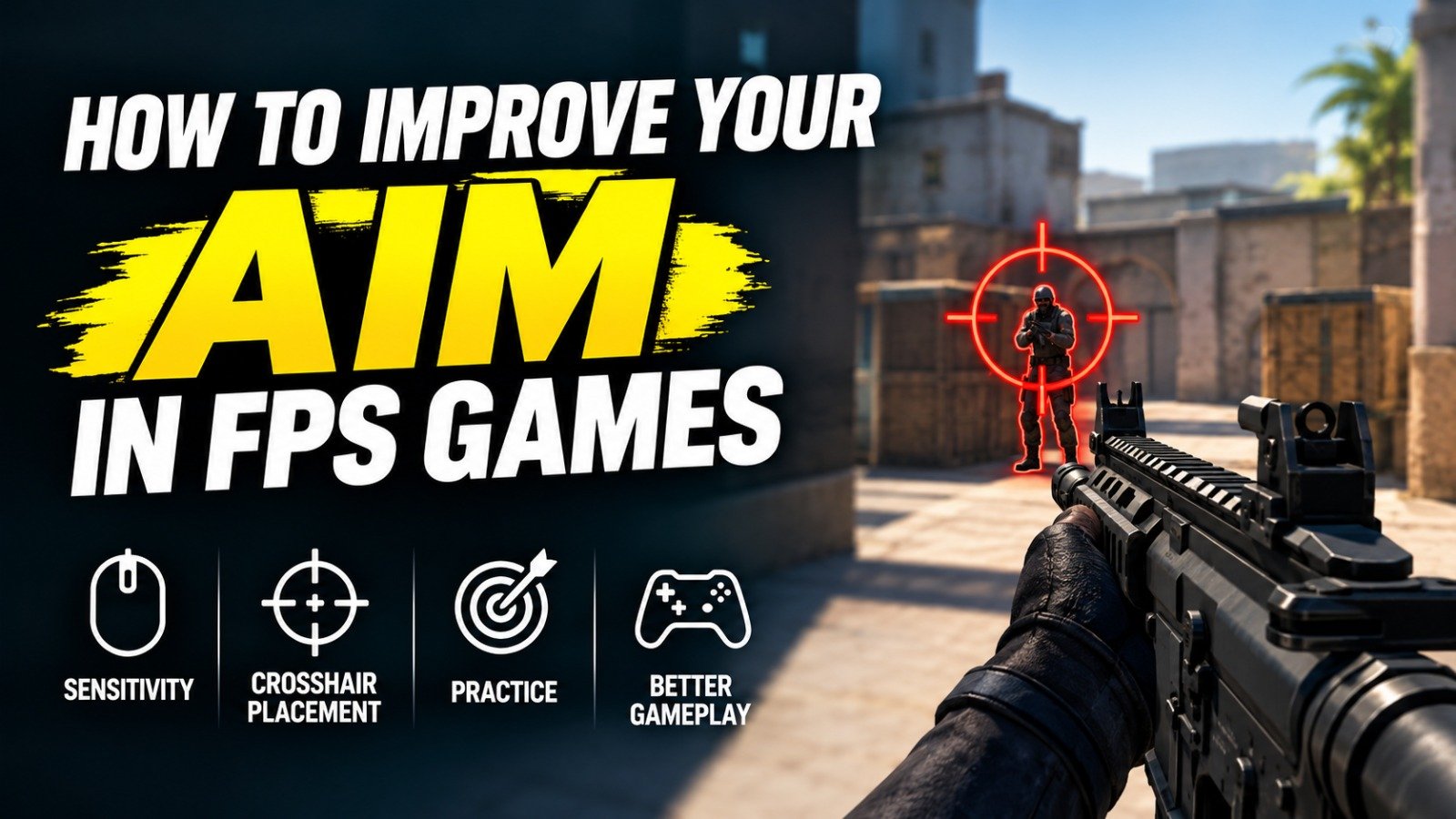
Improving your aim is one of the most important things you can do if you want to become better at FPS games. Whether you play Counter Strike 2, Valorant, Call of Duty, Apex Legends, Fortnite, Overwatch or another first person shooter, accurate aim can have a major impact on your performance. However, good aim is not simply about having fast reactions or buying an expensive gaming mouse. It is a combination of proper settings, crosshair placement, mouse control, movement, game awareness and consistent practice.
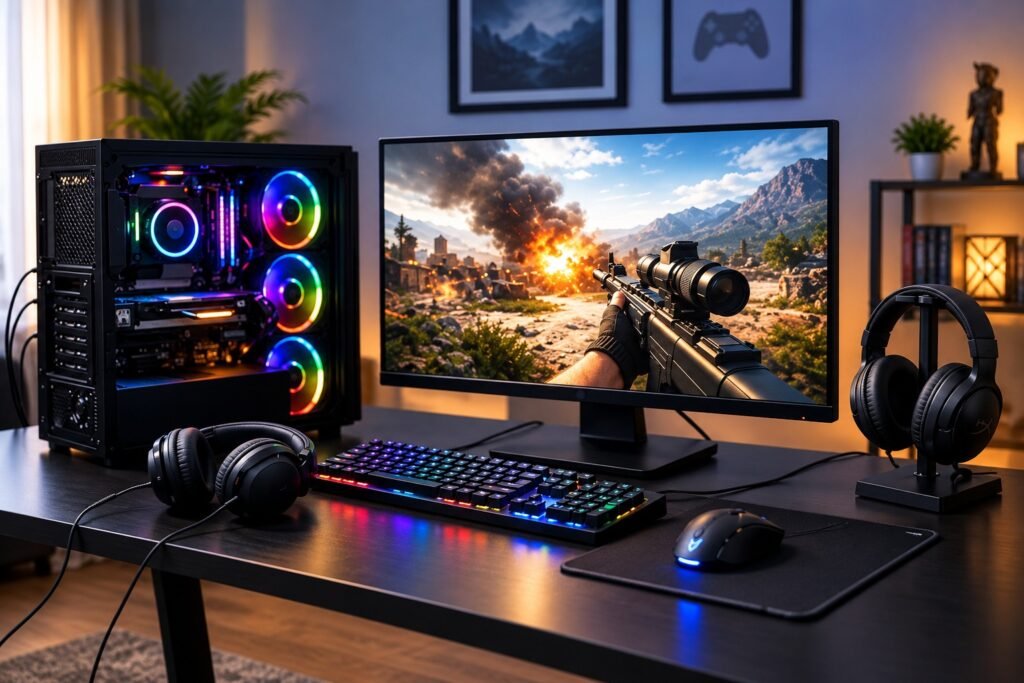
The good news is that aiming is a skill that can be developed over time. You do not need to spend several hours every day in an aim trainer to see improvement. A short and focused practice routine, combined with better habits during normal matches, can gradually make your aim more accurate and consistent. The key is to understand what is going wrong and practice the specific skill that needs improvement.
Find a Comfortable Mouse Sensitivity
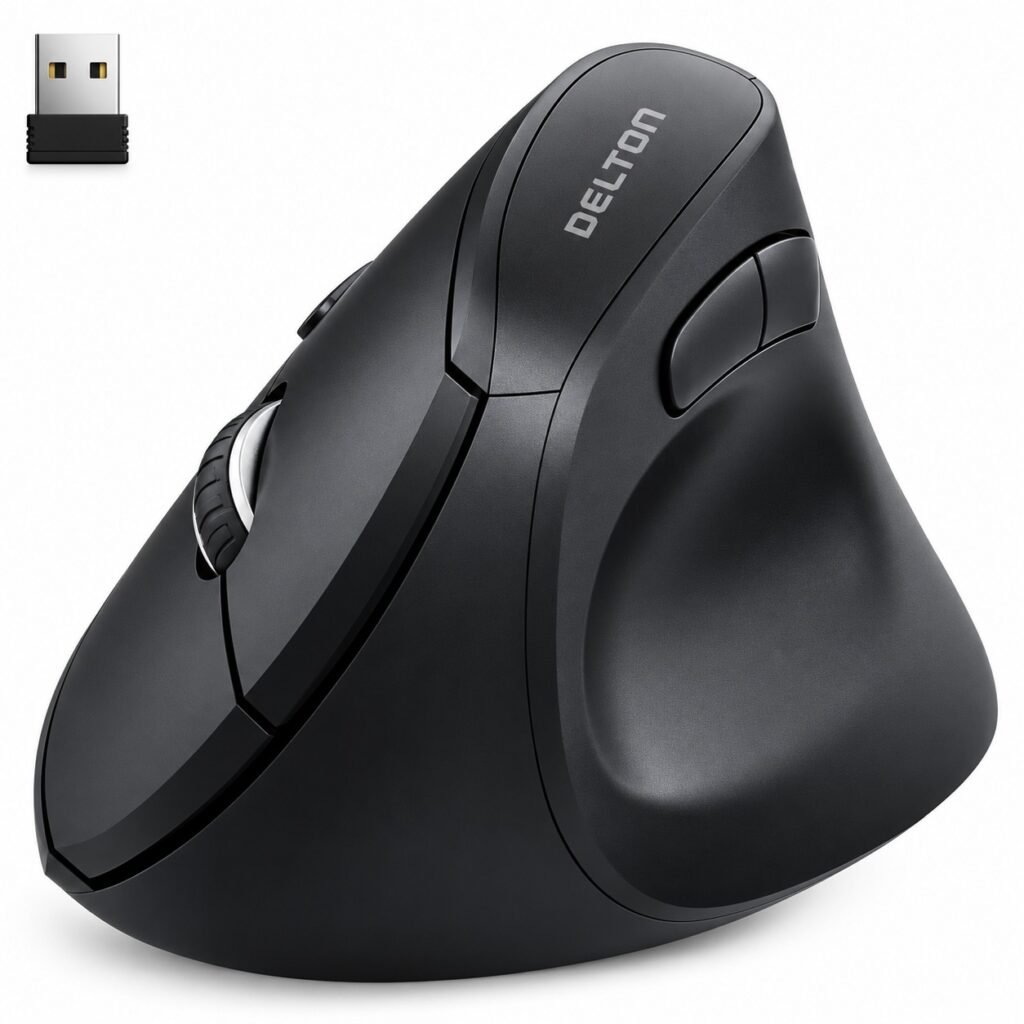
Your mouse sensitivity is one of the first things you should look at when trying to improve your aim. Sensitivity controls how much your crosshair moves when you move your mouse. If it is extremely high, even a small hand movement can send your crosshair too far past the target. If it is extremely low, you may struggle to turn quickly when an enemy appears from another direction.
There is no universal sensitivity that every FPS player should use. The right setting depends on your mouse, mousepad size, grip style, game and personal preference. However, a sensitivity that gives you enough control for small adjustments while still allowing comfortable turns is usually a good starting point.
Once you find a setting that feels comfortable, try to keep it consistent. Constantly changing sensitivity makes it harder to develop reliable mouse control because your hand has to adjust to a different relationship between physical movement and crosshair movement. Current aim training guidance also emphasizes sensitivity consistency over constantly searching for a supposedly perfect setting.
Focus on Crosshair Placement
Crosshair placement is one of the most important parts of FPS aiming, and it is often overlooked by newer players. You can have excellent reflexes and still lose gunfights if your crosshair is pointing at the wrong place when an enemy appears.
Try to keep your crosshair around head level while moving through the map. When approaching a corner, door or common enemy position, place your crosshair where you expect an opponent’s head to appear. This means that when an enemy comes into view, you only need a small adjustment before shooting.
Good crosshair placement reduces the amount of work your mouse has to do. Instead of making a large flick across the screen, you may only need to move your crosshair a few pixels. This is one reason experienced players can appear extremely fast even when their mouse movements look relatively small. They are often already aiming close to the correct position before the fight begins.
Understand the Different Types of Aim
Aim is not just one skill. Different FPS situations require different types of mouse control. The most common skills include flicking, tracking, target switching and micro adjustments.
Flicking involves quickly moving your crosshair from one position to another and accurately landing on a target. Tracking is the ability to keep your crosshair on an opponent while they are moving. Target switching involves moving between multiple enemies, while micro adjustments are the small movements you make when your crosshair is already close to the target.
Different games emphasize these skills differently. Tactical shooters such as Counter Strike 2 and Valorant often require precise first shots, crosshair placement and controlled flicks, while games with fast movement can place greater demands on tracking. Understanding which type of aim causes you the most problems will help you build a more effective practice routine.
Practice Inside the Game You Play
Aim trainers can be useful, but you should not depend entirely on them. Every FPS game has its own weapons, movement mechanics, recoil patterns, character speeds and engagement distances. Practicing in the actual game helps you understand how those mechanics affect your aim.
Use the practice range, custom maps or deathmatch mode available in your game. Start by shooting stationary targets and concentrate on accuracy. Then move to targets that require tracking or quick adjustments. Once you become more comfortable, introduce movement and realistic situations.
The goal is not to achieve the highest possible score during every practice session. Instead, focus on making your movements controlled and repeatable. You can use aim trainers for specific skills, but real matches are still important because they introduce unpredictable movement, pressure and decision making.
Create a Short Aim Training Routine
You do not need to spend hours training your aim every day. A short, focused routine can be more useful than a long session where you become tired and start making careless movements. Several current aim training guides recommend short, consistent practice rather than occasional marathon sessions.
For example, you could spend five minutes practicing tracking, another five minutes working on flicks and target switching, and then finish with a deathmatch or practice range session. If crosshair placement is your biggest weakness, spend additional time walking through the map and pre aiming common angles.
The important part is to practice with a purpose. If you already have good flicks but struggle to track moving opponents, spending most of your training time on flicking will not solve your biggest problem. Identify the skill that is holding you back and give it more attention.
Use a Comfortable Gaming Mouse
Your mouse is one of the most important pieces of equipment for FPS gaming because it directly affects how you control your crosshair. You do not necessarily need the most expensive mouse on the market, but you should use something that feels comfortable and provides consistent tracking.
A lightweight gaming mouse can be useful for players who frequently make large movements, while other players may prefer a slightly heavier or more ergonomic design. The best choice depends on your grip and playing style.
One example of a premium competitive mouse is the Logitech G PRO X SUPERLIGHT 2. Current US listings describe it as a lightweight wireless gaming mouse with Logitech’s HERO 2 sensor and an 8 kHz polling option. Best Buy currently sells the model in the USA.
However, buying a premium mouse will not automatically make your aim better. If your current mouse is comfortable, reliable and responsive, practicing with it consistently can be more valuable than constantly upgrading your equipment.
Choose a Mousepad With Enough Space
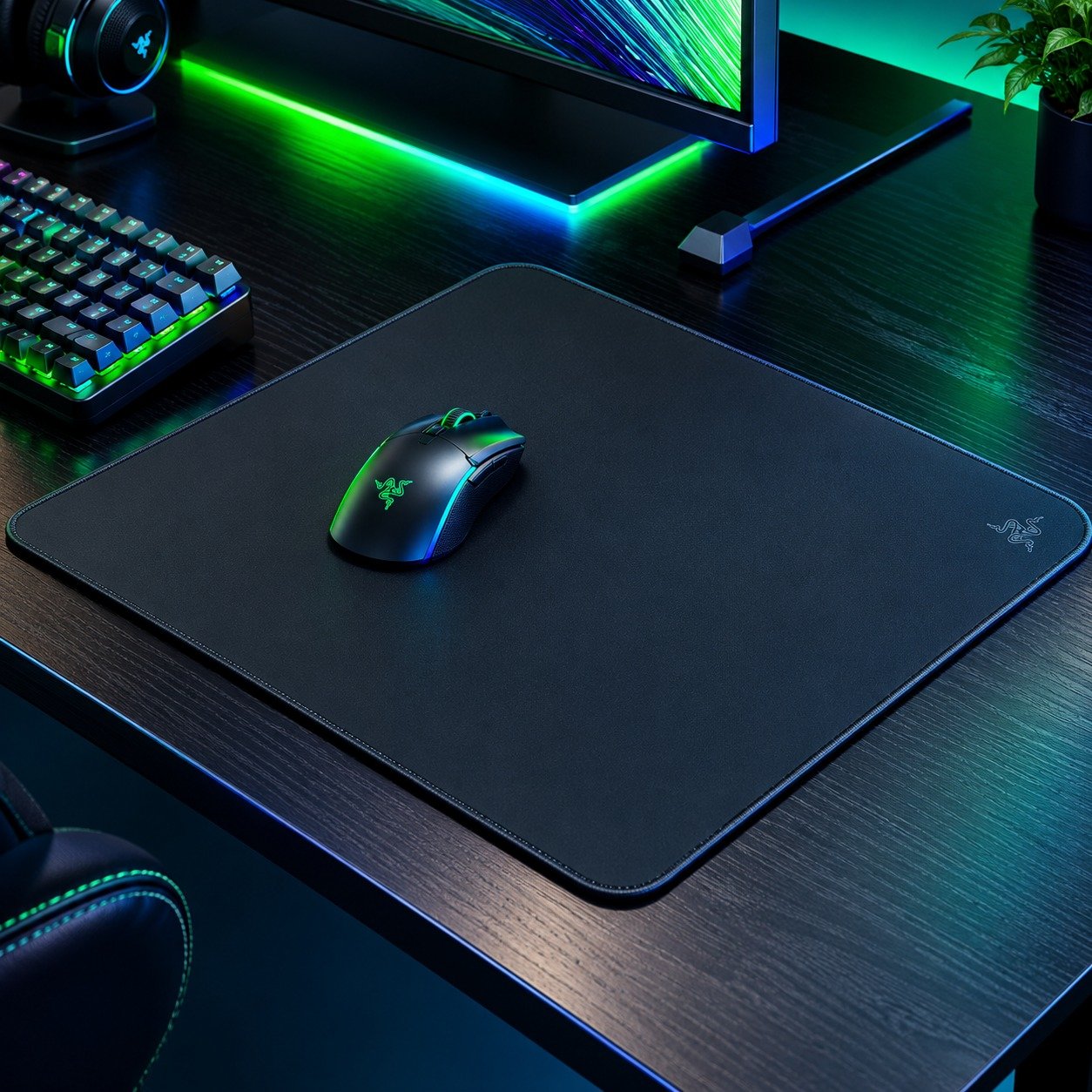
Your mousepad can also affect your aim, especially if you use a lower sensitivity. Low sensitivity often requires larger physical mouse movements, so a small mousepad can become uncomfortable because you may repeatedly run out of space.
A larger mousepad gives you more room to move your mouse smoothly. This can be particularly useful for players who use their arm for larger movements and their wrist or fingers for smaller corrections.
The SteelSeries QcK is one example of a widely available gaming mousepad. Best Buy currently lists several QcK sizes, including larger versions designed to provide plenty of space for gaming.
You do not need an expensive mousepad to improve your aim. What matters most is that the surface feels comfortable, provides consistent movement and gives you enough room for the sensitivity you use.
Keep Your Hand and Arm Relaxed
Another common problem is holding the mouse too tightly. When your hand, wrist or arm becomes tense, small movements can become less controlled. This can make your aim feel shaky and can make it harder to smoothly track moving targets.
Try to keep your grip relaxed while still maintaining enough control over the mouse. Your arm and wrist should be able to move naturally instead of feeling locked in one position.
Your exact aiming technique does not need to look like another player’s. Some players rely heavily on their wrist while others use more arm movement, particularly at lower sensitivities. What matters is finding a comfortable technique that lets you make both large movements and precise corrections without unnecessary tension.
Practice Movement and Shooting Together
Good aim is not just about standing still and clicking targets. During an actual FPS match, you are usually moving, strafing, peeking corners and reacting to opponents at the same time.
Once you are comfortable with basic aiming exercises, start practicing while moving. Use deathmatch or custom games to combine movement with shooting. Pay attention to how your chosen game handles weapon accuracy while moving.
Some FPS games require you to stop or control your movement before taking an accurate shot, while others allow more freedom. Learning these mechanics can make your aim much more effective because you are not trying to fight the game’s movement system while also fighting an opponent.
Movement discipline is especially important in competitive shooters because positioning and crosshair placement can make a duel easier before raw mechanical aim even becomes necessary.
Use a Gaming Headset for Better Awareness
A gaming headset does not directly improve your mouse accuracy, but it can improve your overall performance in an FPS game. Sound can tell you where an opponent is moving, whether someone is reloading, which direction a player is approaching from or whether an enemy may be nearby.
This information can help you prepare your crosshair before an opponent appears. In other words, better audio awareness can indirectly make aiming easier because you have more information about where the enemy is likely to be.
The HyperX Cloud III is one current gaming headset available from major US retailers. Best Buy currently lists the wired Cloud III with features including 53 mm angled drivers, a noise cancelling microphone and DTS Headphone:X spatial audio.
You do not need an expensive headset specifically for aim training. A comfortable headset that provides clear game audio can be enough for most players.
Warm Up Before Competitive Matches
Going directly into a ranked match without warming up can make the first few rounds feel uncomfortable. Your hand may not be fully adjusted to your sensitivity, and your reactions may feel slower than they normally do.
A short warm up can help you get comfortable before the match begins. Start with simple tracking exercises and then practice flicking or target switching. After that, play a short deathmatch if your game provides one.
The purpose of a warm up is not to achieve your highest score. It is simply to get your eyes, hand and brain ready for the movements you are about to perform.
A short and repeatable routine is generally more useful than an extremely long warm up that leaves you tired before the actual match starts.
Stop Changing Your Settings Every Day
One of the easiest ways to slow your improvement is to constantly change your settings. You may watch a professional player using a particular sensitivity and immediately copy it. If your aim does not improve after one match, you might switch to another sensitivity.
This creates a cycle where your hand is constantly adapting to different settings.
Instead, choose a sensitivity that feels comfortable and give yourself enough time to adapt. The same applies to your crosshair and other important controls.
Your goal is to develop consistency. Once your settings become familiar, you can focus on improving your actual gameplay rather than constantly adjusting your setup.
Learn From Your Missed Shots
When you miss an important shot, do not simply assume that you have bad aim. Try to understand why you missed.
If your crosshair repeatedly moves past the target, you may be overcorrecting. If you consistently stop before reaching the target, you may need better control over your mouse movement. If moving enemies are difficult to follow, you probably need more tracking practice.
You should also pay attention to where your crosshair was before the fight started. Sometimes what looks like a bad flick is actually a crosshair placement problem.
Reviewing your mistakes gives your practice a clear purpose. Instead of randomly training every aim skill, you can spend your time working on the areas that are actually affecting your matches.
Make Sure Your Game Runs Smoothly
Your PC performance can also affect how consistent your gameplay feels. If your game constantly stutters or has unstable frame rates, tracking moving targets can become more difficult.
Make sure your graphics drivers are updated and close unnecessary programs running in the background. If your PC struggles to maintain stable performance, lowering some graphics settings may help.
You do not necessarily need maximum graphics quality for competitive FPS gaming. A stable and responsive game can be more useful than running every visual setting at its highest level.
This does not mean better hardware will automatically improve your aim. It simply removes unnecessary technical problems that can make practicing and playing consistently more difficult.
Where to Buy FPS Gaming Equipment in the USA
If you are building an FPS gaming setup in the USA, major retailers such as Best Buy offer a wide range of gaming equipment. Current listings include gaming mice such as the Logitech G PRO X SUPERLIGHT 2, mousepads such as the SteelSeries QcK and gaming headsets such as the HyperX Cloud III.
These are examples rather than requirements. You do not need to purchase premium equipment to become a better FPS player. A comfortable mouse, enough mousepad space and a reliable headset are more important than buying the most expensive products available.
When shopping, compare the specifications, size, weight, connectivity and current price rather than choosing equipment simply because a professional player uses it. Your setup should match your own playing style and comfort.
Final Thoughts
Improving your aim in FPS games takes time, but you do not need complicated techniques to get started. The most important step is to build good fundamentals and practice them consistently.
Start by finding a sensitivity that feels comfortable and then keep it consistent. Work on crosshair placement so that you are already aiming close to where enemies are likely to appear. Practice tracking, flicking, target switching and micro adjustments according to the type of FPS you play.
Your equipment can help create a comfortable environment, but it should not become a replacement for practice. A premium mouse cannot fix poor crosshair placement, and an expensive headset cannot replace game awareness.
Most importantly, pay attention to your mistakes. Every missed shot can tell you something about your aim. If you understand why you missed and then practice that specific weakness, your training becomes much more effective.
With consistent practice, better habits and a setup that feels comfortable, your aim can gradually become more accurate, controlled and reliable. You do not need to become perfect overnight. Focus on small improvements, keep your settings consistent and give yourself enough time to develop the muscle memory and habits that good FPS aim requires.
Table of Contents