Create Account
Gaming Monitor
144Hz vs 240Hz vs 360Hz: Which Gaming Monitor Should You Buy?
Choosing a gaming monitor involves more than finding the highest refresh rate. A 144Hz display can deliver smooth gameplay at a reasonable cost, while 240Hz and 360Hz monitors target players who want faster motion and lower display latency. However, your graphics card, preferred games, resolution and budget all influence which monitor makes sense. Competitive shooters such as Counter-Strike 2 and VALORANT benefit more from high refresh rates than slower-paced strategy games. Before spending money on a new display, it is worth understanding what these numbers mean and whether the extra performance will make a noticeable difference to your gaming experience.

What Is Monitor Refresh Rate?
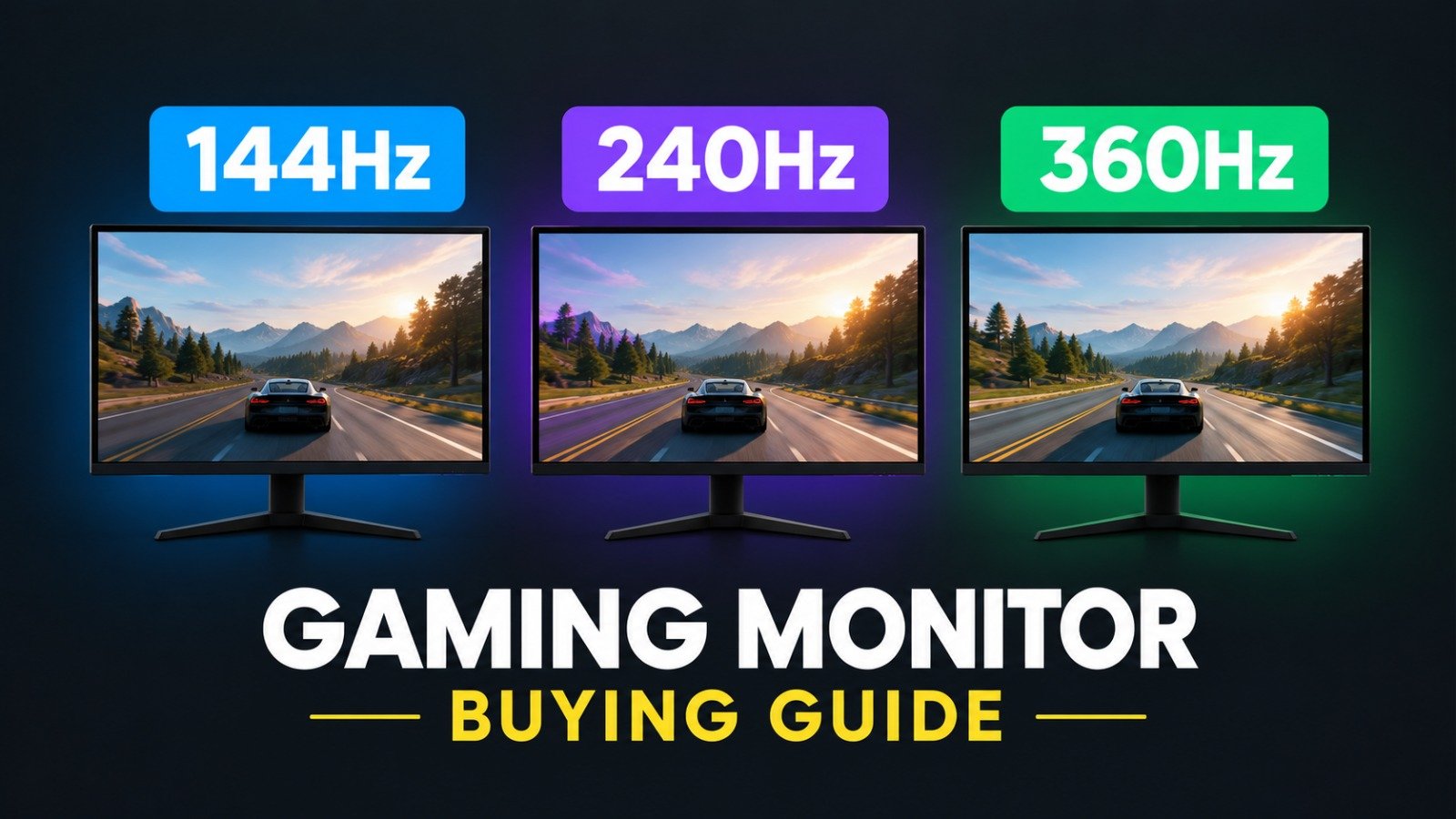
Refresh rate, measured in hertz (Hz), tells you how many times a monitor can refresh its image every second. A 144Hz monitor refreshes 144 times per second, while 240Hz and 360Hz models refresh 240 and 360 times respectively.
Higher refresh rates can make fast movement look smoother and reduce the time between display updates. The theoretical refresh intervals are approximately 6.94 milliseconds at 144Hz, 4.17 milliseconds at 240Hz and 2.78 milliseconds at 360Hz. However, refresh rate is only one part of total system latency. Your PC must also render frames quickly enough to take advantage of the display.
144Hz vs 240Hz vs 360Hz: Main Differences
144Hz: Best for most gamers
A 144Hz monitor is a strong choice for everyday PC gaming. It offers a noticeable improvement over traditional 60Hz displays, making movement smoother in action games, racing titles and shooters.
It is particularly suitable for players who want responsive gameplay without spending extra on an extremely fast panel. Many gamers will find 144Hz more than sufficient for their needs.
240Hz: Best for competitive gaming
A 240Hz monitor updates its image more frequently, reducing the interval between refreshes compared with 144Hz. This can improve motion clarity and responsiveness in fast multiplayer games.
Players who regularly compete in ranked matches may appreciate the difference, especially when their gaming PC consistently produces high frame rates. However, the improvement is smaller than the jump from 60Hz to 144Hz.
360Hz: Best for serious esports players
A 360Hz display is designed for players who prioritise competitive performance. Its shorter refresh interval can help make fast-moving targets easier to track, particularly when paired with a powerful gaming PC.
The benefits depend on the game, the player’s sensitivity to motion and the monitor’s response-time performance. For casual players, the additional cost may be better spent on a stronger GPU or other gaming equipment.
Does Resolution Matter More Than Refresh Rate?
Resolution determines how many pixels a display uses to create an image. Full HD (1920 × 1080), QHD (2560 × 1440) and 4K (3840 × 2160) offer progressively higher image detail.
A 1080p monitor is often a practical choice for competitive gaming because it is less demanding on the graphics card. QHD provides a useful balance between image sharpness and performance, while 4K is attractive for detailed visuals in single-player games.
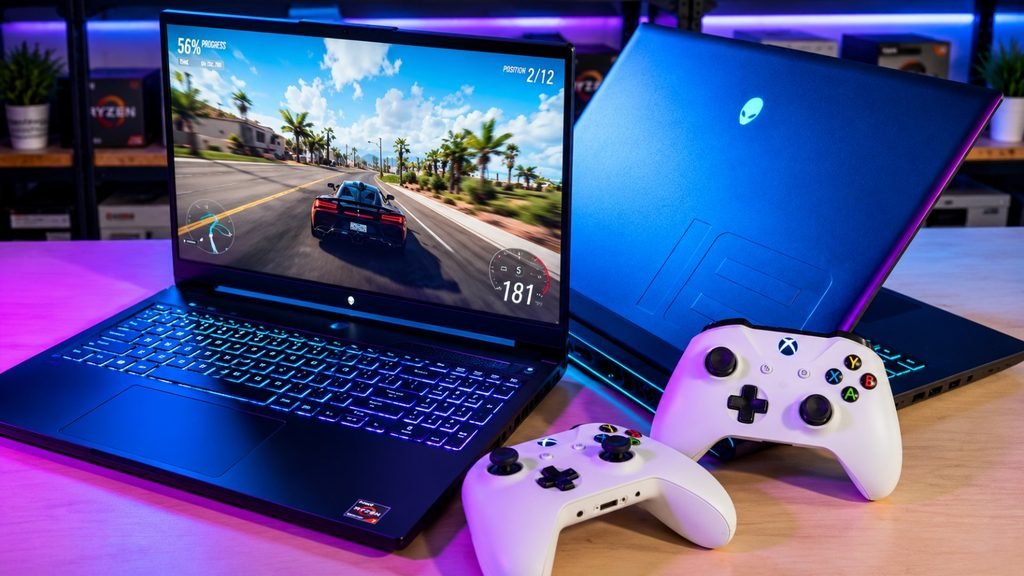
Remember that higher resolutions require more rendering power. A 4K monitor running at 144Hz may demand substantially more GPU performance than a 1080p monitor running at the same refresh rate.
What Is Monitor Response Time?
Response time measures how quickly pixels change from one colour or shade to another. Manufacturers commonly advertise grey-to-grey (GtG) response times in milliseconds.
A fast response time can reduce ghosting, where moving objects leave visible trails. However, advertised figures do not always reflect performance across every pixel transition.
A monitor with a high refresh rate can still produce noticeable blur if its pixel response is slow. Look for independent testing, motion-handling results and reviews rather than choosing a monitor based on a single specification.
Which Gaming Monitor Should You Choose?
Your ideal display depends on the games you play and the hardware you own.
- Casual and mixed-genre gamers: Choose 144Hz for smooth gameplay and balanced value.
- Competitive FPS players: Consider 240Hz if your PC can maintain high frame rates.
- Serious esports competitors: Consider 360Hz when responsiveness is a priority and your system can take advantage of it.
- Single-player and visual-focused gamers: Prioritise resolution, contrast, colour quality and HDR alongside refresh rate.
- Budget-conscious buyers: A well-reviewed 144Hz or 165Hz monitor may provide better overall value than a low-quality high-refresh-rate model.
Also check for variable refresh rate technologies such as AMD FreeSync or NVIDIA G-SYNC compatibility. These help synchronise the monitor with your GPU’s frame output, reducing screen tearing and stuttering under supported conditions.
Final Verdict: 144Hz, 240Hz or 360Hz?
For most gamers, 144Hz is an excellent starting point. It delivers smooth gameplay without requiring the highest-end hardware. A 240Hz monitor makes sense for competitive players who want additional responsiveness, while 360Hz is a specialised option for enthusiasts and esports competitors with powerful systems.
Before buying, compare resolution, pixel response time, panel quality, adaptive sync support and price. A balanced monitor that matches your PC will usually provide a better experience than chasing the highest refresh-rate number.
The smartest purchase is not necessarily the fastest display. It is the one that gives you the right combination of clarity, responsiveness and value for the games you actually play.
Table of Contents