Create Account

Esports Players
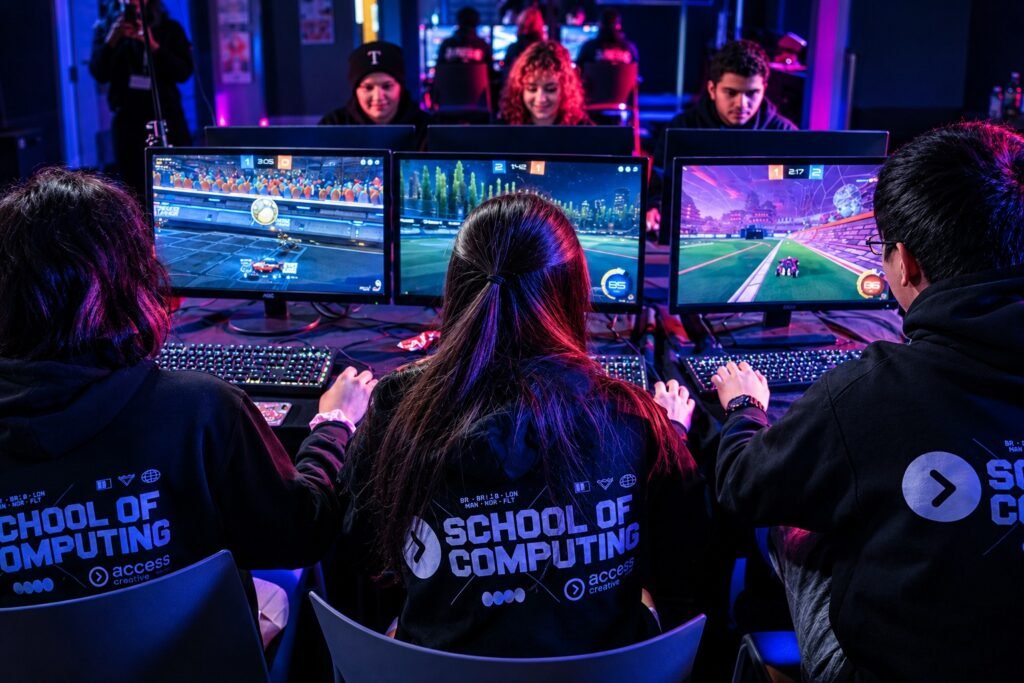
Cloud gaming in 2026 gives players another way to enjoy demanding video games without buying a dedicated gaming console or building a powerful PC. Services such as Xbox Cloud Gaming and NVIDIA GeForce NOW stream games from remote hardware to supported devices, including laptops, phones, tablets and select televisions. Instead of installing and running a game locally, players receive a live video stream while their controller inputs are sent back to the server.
The technology has become a practical option for some players, particularly those with reliable internet connections and compatible devices. However, cloud gaming is not a universal replacement for traditional gaming hardware. Game availability, subscription costs, internet quality and input delay still determine whether the experience works well.
How Does Cloud Gaming Work?
Cloud gaming works by running a game on a remote server equipped with gaming hardware. That server processes the graphics and gameplay, then streams the resulting video and audio to the player’s device over the internet.
The player sends commands through a controller, keyboard or mouse. Those inputs travel to the server, where the game responds before the updated picture is streamed back.
This means the device receiving the stream does not need to render the entire game itself. A basic laptop or supported smart television can potentially play demanding titles that would otherwise require more powerful hardware.
The trade-off is that cloud gaming depends on a continuous connection. If the network becomes unstable, the picture may become blurry, gameplay may stutter or inputs may feel delayed.
Which Cloud Gaming Services Can Play AAA Games?
Several services offer cloud access to demanding games, but their libraries and requirements differ. The right choice depends on whether players want access to a subscription catalogue or the ability to stream games they already own.
Xbox Cloud Gaming
Xbox Cloud Gaming lets players stream supported games through compatible devices, including Windows PCs, mobile phones, tablets, select smart TVs and certain handhelds. Some free-to-play games can be streamed with a free Microsoft account in supported regions, while access to many other games requires an eligible Game Pass subscription.
Microsoft also supports streaming select games that players own separately, subject to game and regional availability. Its library changes over time, so a specific title should be checked before subscribing.
NVIDIA GeForce NOW
GeForce NOW takes a different approach. Rather than providing a single subscription library of games, it connects to supported PC game stores and streams eligible titles from a player’s existing collection.
This can be useful for someone who already owns games on supported platforms but lacks a gaming PC capable of running them. However, not every game is supported, and store ownership alone does not guarantee that a title can be streamed.
NVIDIA supports a wide range of devices, including Windows and Mac computers, Chromebooks, phones, tablets, select televisions and gaming handhelds. Its system requirements vary according to the device and streaming quality.
PlayStation Cloud Streaming
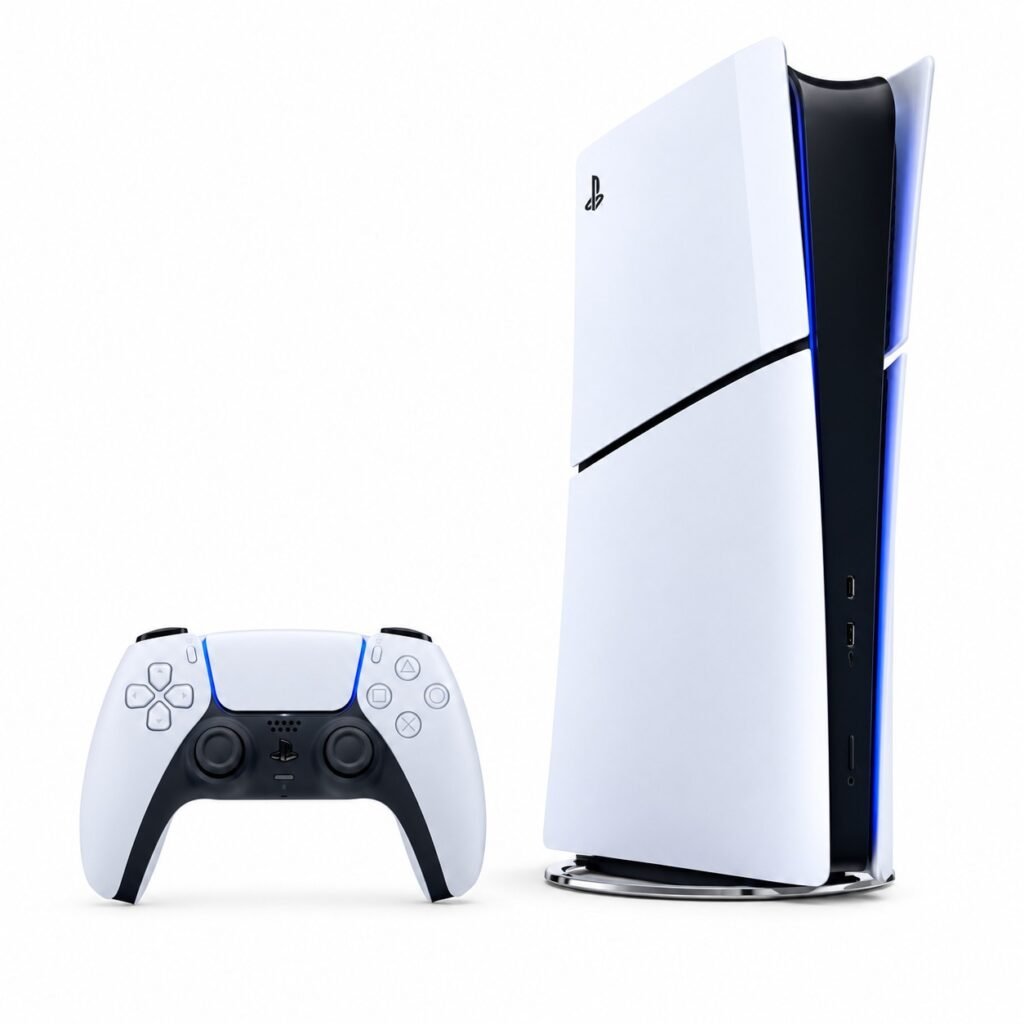
PlayStation Plus Premium offers cloud streaming for selected games on supported PlayStation devices and, in eligible regions, PlayStation Portal. Players can access supported games without downloading and installing them locally.
This option is particularly relevant to people already using PlayStation services. However, cloud streaming is not available in every country, and the catalogue varies by region and time.
Amazon Luna is another option in supported markets, with compatible browsers and devices including Fire TV. Its minimum stated internet requirement is 10 Mbps, although connection quality and device compatibility still affect the experience.
What Internet Speed Do You Need?
Cloud gaming needs more than a fast connection. Consistent latency, low packet loss and a stable network are just as important as download speed.
NVIDIA’s published requirements provide a useful example:
| Streaming quality | Stated minimum speed |
|---|---|
| 720p at 60 FPS | 15 Mbps |
| 1080p at 60 FPS | 25 Mbps |
| 4K at 120 FPS | 45 Mbps |
These figures apply to GeForce NOW’s stated requirements and should not be treated as universal requirements for every cloud service. NVIDIA recommends Ethernet or a 5 GHz Wi-Fi connection and network latency below 80 milliseconds to its data centre.
Players should also consider household internet usage. A connection that works well when one person is gaming may struggle when other people are streaming video, downloading large files or joining video calls.
For competitive shooters and fighting games, even a small amount of additional input delay can affect performance. Slower-paced RPGs, strategy games and single-player adventures are generally more forgiving of occasional latency.
Can Cloud Gaming Replace a Gaming Console?
For some players, cloud gaming can remove the need to purchase a console or upgrade a PC. A compatible laptop, television or mobile device may be enough to access supported games, provided the player has the required subscription, controller and internet connection.
But there are important limitations.
Game availability: Not every AAA game is available through cloud services. Publishers may restrict streaming access, and catalogues can change.
Input delay: Commands must travel to a remote server and back. This can make fast competitive games feel less responsive than playing locally.
Image quality: Streaming compresses video. Fast movement, detailed environments and unstable connections can introduce blur or visual artifacts.
Subscription costs: Players may need a monthly subscription, and some services require them to purchase games separately. Over time, subscription fees can become a significant expense.
Regional access: A service may work in one country but remain unavailable in another. Players should check supported regions before paying.
What Happens Next for Cloud Gaming?
Cloud gaming is likely to remain an alternative to traditional hardware rather than replacing every gaming PC or console. Its appeal is straightforward: players can access demanding games on devices they already own, avoid lengthy downloads and move between supported screens.
The experience will continue to depend on improvements in server infrastructure, internet connectivity, supported game libraries and subscription models. Those changes could make cloud gaming more attractive to casual players and people who cannot justify buying dedicated hardware.
For now, the most practical approach is to check whether the games you want are supported, confirm that the service works in your region and test your connection before committing to a long subscription.
Can You Really Play AAA Games Without a Console?
Yes, cloud gaming can make AAA games accessible without a dedicated gaming console, but it is not a guaranteed replacement for local gaming. Services such as Xbox Cloud Gaming, GeForce NOW and PlayStation cloud streaming offer different ways to access games, each with its own library, devices and subscription requirements.
For players with a reliable internet connection and compatible hardware, cloud gaming can be a convenient way to enjoy demanding titles without buying a new console. Those who prioritize competitive performance, offline access or complete control over their game library may still prefer local hardware.
The best decision depends on the games you play, your connection quality and the total cost of accessing them.
Table of Contents