Create Account
AI Upscaling
AI Upscaling in Gaming: How DLSS, FSR and XeSS Boost Performance
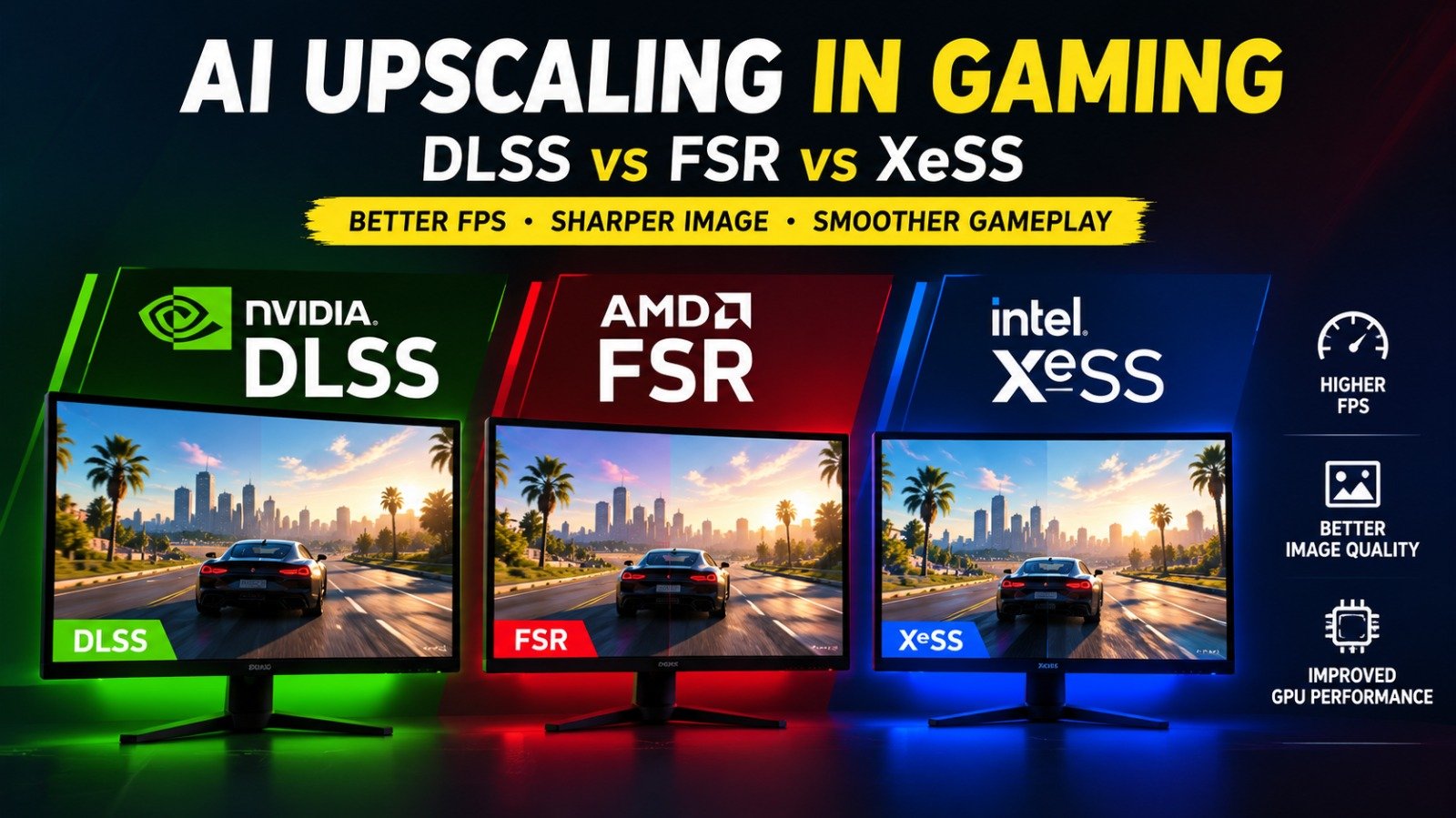
AI upscaling in gaming is changing how players experience demanding PC games, allowing graphics cards to deliver higher frame rates without rendering every pixel at the display’s full resolution. NVIDIA DLSS, AMD FidelityFX Super Resolution (FSR) and Intel Xe Super Sampling (XeSS) are three major technologies designed to improve performance while preserving visual detail. Although they share a similar goal, they differ in their algorithms, hardware support and additional features. Understanding these differences can help gamers choose the right graphics settings for demanding titles, high-resolution displays and competitive gameplay. Whether you use a GeForce RTX, Radeon or Intel Arc graphics card, the best option depends on your hardware, the game and your preferred balance between image quality and performance.
What Is AI Upscaling in Gaming?
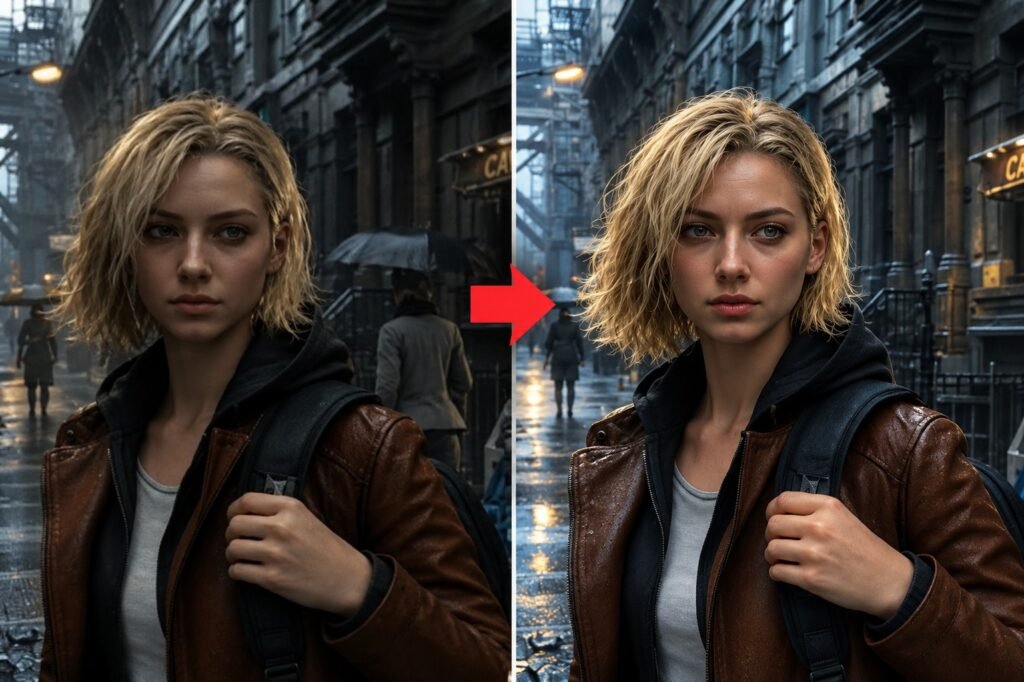
AI upscaling renders a game at a lower internal resolution and reconstructs the image at a higher output resolution. For example, a game displayed at 4K can render internally at a lower resolution, reducing the workload on the GPU.
Modern upscalers use information such as motion vectors, previous frames and image data to reconstruct details. This can produce a sharper result than simply stretching a low-resolution image.
The main advantage is performance. However, image quality depends on the upscaling method, selected quality preset and how well the game implements the technology. Fine details, fast movement and transparent effects can still reveal visual artifacts.
NVIDIA DLSS: AI Upscaling for GeForce RTX

NVIDIA Deep Learning Super Sampling (DLSS) uses AI models and specialised Tensor Cores in GeForce RTX graphics cards. DLSS Super Resolution reconstructs higher-resolution images from lower-resolution inputs, helping demanding games run more smoothly.
NVIDIA has expanded DLSS beyond upscaling. Depending on the game, hardware and supported version, the wider technology suite can include Frame Generation, Ray Reconstruction and other rendering features. These capabilities should not be confused with Super Resolution itself.
Best suited for: Gamers with compatible GeForce RTX cards who want strong upscaling performance and access to NVIDIA’s supported AI graphics features.
The main limitation is hardware and feature compatibility. Not every DLSS feature works on every RTX generation, and individual games must support the relevant implementation.
AMD FSR: Flexible Upscaling Across Graphics Hardware
AMD FidelityFX Super Resolution is designed to improve gaming performance through upscaling and related rendering technologies. Its available features and hardware requirements depend on the FSR generation.
AMD’s newer machine-learning-based FSR Upscaling offers enhanced reconstruction, while other FSR versions provide different levels of compatibility. The wider FSR family also includes frame generation and ray-regeneration technologies.
Best suited for: Radeon users and gamers who value broader hardware compatibility, particularly when a specific game supports an appropriate FSR version.
The trade-off is that FSR’s image quality and performance vary by version, game and graphics card. Older implementations may produce different results from newer machine-learning-based versions, so comparing only the FSR name can be misleading.
Intel XeSS: AI Rendering Beyond Intel Arc
Intel XeSS uses machine learning to reconstruct higher-resolution images from lower-resolution inputs. Intel Arc graphics cards include specialised hardware that accelerates supported XeSS workloads, while compatible implementations can also run on certain non-Intel GPUs.
XeSS has expanded beyond Super Resolution. Supported versions and games may include frame generation and low-latency features, although compatibility differs between individual components.
Best suited for: Intel Arc owners and gamers whose graphics cards support XeSS in their chosen titles.
XeSS is worth testing even when using another GPU brand, provided the game supports a compatible implementation. However, performance and image quality should be evaluated on the actual hardware rather than assumed from the technology’s name.
DLSS vs FSR vs XeSS: Key Differences
| Feature | NVIDIA DLSS | AMD FSR | Intel XeSS |
|---|---|---|---|
| Main purpose | Upscaling and related AI rendering | Upscaling and performance features | AI upscaling and related features |
| Hardware support | Depends on DLSS feature and RTX generation | Varies by FSR version | Arc and compatible non-Intel hardware for supported features |
| Frame generation | Available in supported configurations | Available in supported versions | Available in supported versions |
| Main consideration | RTX and feature compatibility | Version and implementation differences | Hardware and version compatibility |
No technology wins in every game. The best results depend on the implementation, internal resolution, quality preset and GPU. Test available options in the game you actually play rather than relying on a universal ranking.
How AI Upscaling Affects Image Quality
Upscaling can improve performance while retaining much of a game’s visual detail, but it does not guarantee perfect image quality. Quality modes generally preserve more detail by using a higher internal resolution, while Performance modes reduce the rendering workload further.
Aggressive upscaling can introduce ghosting, shimmering, blurred fine details or unstable edges. These issues may become more noticeable in foliage, thin objects and fast-moving scenes.
For demanding single-player games, begin with Quality mode. If frame rates remain too low, try Balanced or Performance. Competitive players should also consider latency and frame consistency rather than focusing only on the displayed FPS number.
Does Frame Generation Increase FPS?
Frame generation creates additional frames between conventionally rendered frames, increasing the number of frames displayed each second. It is a separate feature from upscaling, although both can be used together in supported games.
Generated frames can make movement look smoother, but the displayed frame rate does not necessarily represent the game’s underlying rendering speed. Frame generation also introduces processing overhead and can affect responsiveness.
For competitive shooters, stable native rendering and low input latency may matter more than a very high generated frame rate. For cinematic single-player games, frame generation can provide a smoother visual experience when the base frame rate is already reasonably stable.
Final Verdict: Which AI Upscaling Technology Is Best?
NVIDIA DLSS, AMD FSR and Intel XeSS all offer useful ways to improve gaming performance, but the best choice depends on your graphics card and the game being played. DLSS is a strong option for compatible GeForce RTX systems, FSR provides flexibility across supported hardware, and XeSS is worth exploring on Intel Arc and compatible non-Intel GPUs.
Start with Quality mode, compare image clarity and frame rates, and adjust settings according to your priorities. Remember that upscaling and frame generation solve different problems, and neither can completely replace a sufficiently powerful GPU.
For Altas Gaming readers, the smartest approach is to test the available options in each game and choose the configuration that delivers the best balance of visual quality, responsiveness and consistent performance.
Table of Contents