

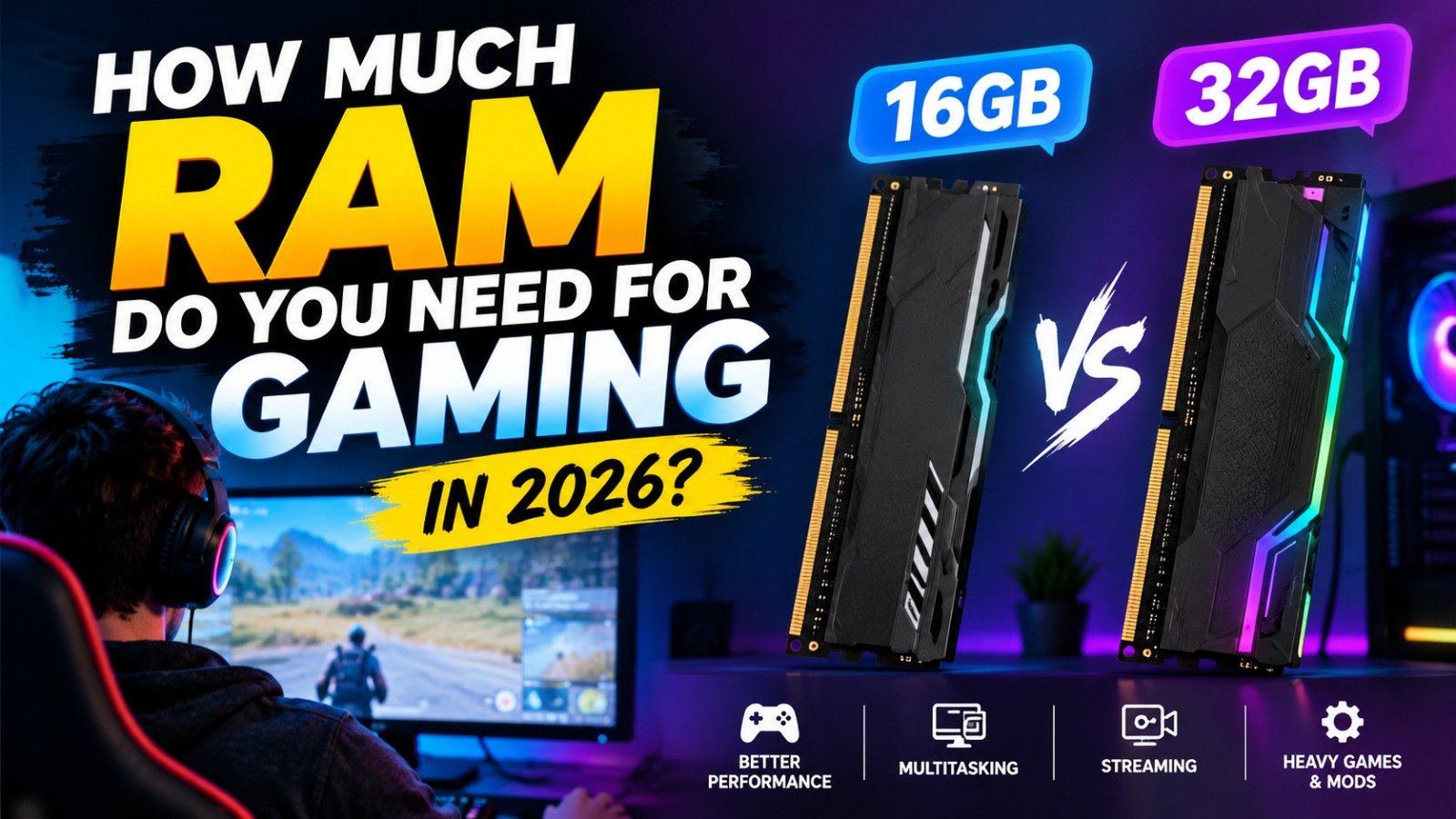
For most PC gamers in 2026, 16GB of RAM is a practical starting point, while 32GB is the better choice for demanding games, multitasking and streaming. The right amount depends on the games you play, your other running applications and your PC’s overall hardware. Microsoft’s current gaming PC guidance also identifies 16GB as a suitable baseline and 32GB as a useful upgrade for demanding titles and heavy mods.
Upgrading RAM can reduce memory-related slowdowns, but more memory does not automatically deliver higher FPS. Your processor, graphics card, game settings and storage also affect performance. Before buying an upgrade, understand what each memory capacity offers.
Is 8GB RAM Enough for Gaming?
Eight gigabytes of RAM may run some older games, lightweight indie titles and less demanding competitive games, depending on their system requirements. However, Windows and background applications also use memory, leaving less available for the game itself.
Some modern games require more than 8GB or recommend 16GB for a better experience. Ubisoft’s published Rainbow Six Siege requirements, for example, list 8GB for minimum configurations and 16GB for recommended configurations.
If your PC already has 8GB, check the requirements of your favorite games before spending money. For a new gaming PC, 8GB is generally a limited starting point.
Is 16GB RAM Enough for Gaming in 2026?
For many players, 16GB remains a sensible balance between cost and performance. It can be suitable for mainstream gaming, including many competitive titles and games played without several demanding applications running simultaneously.
However, requirements vary from game to game. Large open-world games, detailed simulations and heavily modified titles can use more memory, particularly when a browser, voice chat or recording software is running at the same time.
If your current PC has 16GB and your games run smoothly, you do not necessarily need to upgrade. Check actual memory usage and individual game requirements before deciding.
Is 32GB RAM Better Than 16GB?
Thirty-two gigabytes provides additional headroom for demanding games and multitasking. It is particularly useful for players who stream gameplay, record videos, run multiple applications or use extensive game modifications.
The difference depends on whether a game or application actually needs the additional capacity. If a game already runs comfortably within 16GB, installing 32GB may not produce a noticeable FPS increase.
For gamers building a new midrange or high-end PC, 32GB is a reasonable target when the budget allows. It offers more flexibility for demanding workloads without requiring an immediate memory upgrade.
16GB vs 32GB vs 64GB: Which Should You Choose?
| RAM capacity | Best suited for | Main limitation |
|---|---|---|
| 8GB | Older or lightweight games | Limited room for modern games and multitasking |
| 16GB | General PC gaming | Can become restrictive with heavy workloads |
| 32GB | Modern gaming, streaming and multitasking | May offer little benefit for lighter games |
| 64GB | Heavy creative workloads, large mods and specialized use | Often unnecessary for gaming alone |
These are general recommendations, not universal game requirements. Always check the official specifications for the titles you want to play.
Does More RAM Increase FPS?
RAM can affect gaming performance when the system does not have enough memory. If Windows and a game compete for available RAM, the PC may need to move data between memory and storage, potentially causing stuttering or inconsistent frame times.
However, RAM capacity is only one part of performance. A weak GPU can limit graphics performance, while a CPU bottleneck can restrict frame rates in processor-heavy games. Faster memory can also affect performance on some systems, but the improvement varies with the processor, platform and game.
If you experience low FPS, investigate CPU and GPU usage, temperatures and memory consumption before assuming that more RAM is the solution.
Should You Upgrade Your Gaming PC’s RAM?
First, check your current memory capacity and usage while playing your usual games. On Windows, open Task Manager, select Performance and then Memory. This helps you see how much RAM is installed and how much is being used.
Before purchasing a new kit, confirm your motherboard or laptop’s supported memory type, maximum capacity and upgrade options. Desktop PCs and laptops have different upgrade limitations, and some laptops have memory soldered directly to the motherboard.
Also consider the number of available memory slots. A compatible dual-channel configuration can improve performance on supported systems, but compatibility and the manufacturer’s guidance should come first.
Final Verdict: How Much RAM Do Gamers Really Need?
For most gamers, 16GB is a reasonable baseline, while 32GB is the more flexible choice for demanding games, streaming and multitasking. Eight gigabytes can still work for lighter gaming, but it offers less room for modern titles and background applications. Sixty-four gigabytes is mainly worth considering for specialized workloads or unusually demanding setups.
The smartest upgrade depends on your actual usage, not simply the largest number available. Check your games’ system requirements, monitor memory usage and confirm hardware compatibility before buying. If your current system already has enough RAM, spending money on a stronger GPU or another component may deliver a more noticeable improvement.
Table of Contents




Leave a Reply