

Free Game Deals
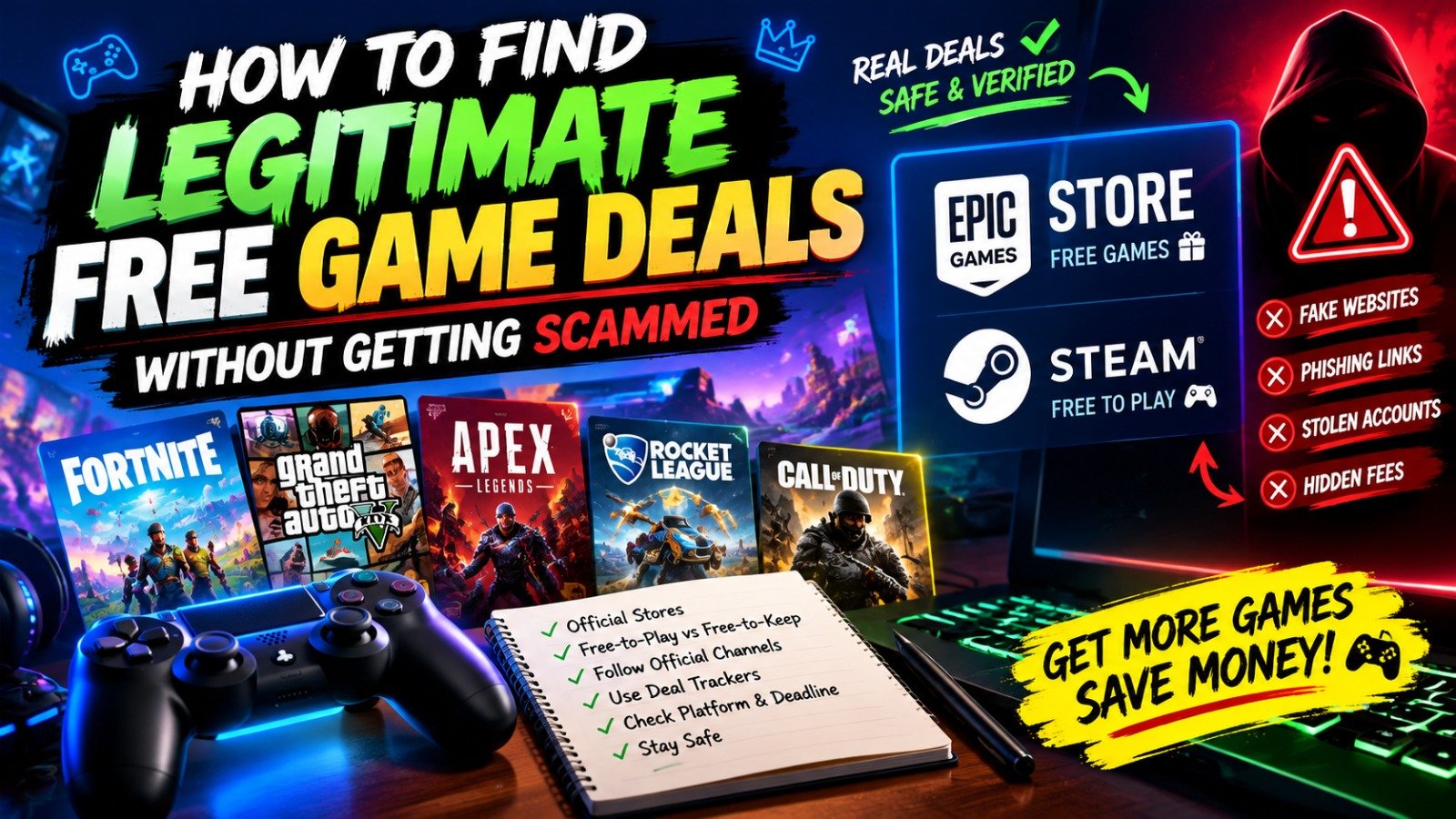
Finding legitimate free game deals is one of the easiest ways to expand your gaming library without spending money. PC players can regularly check official storefronts such as Steam and the Epic Games Store for free-to-play games, limited-time giveaways, demos and promotional offers. However, not every website advertising a free AAA game is trustworthy. Some pages use fake download buttons, suspicious account-login forms or offers that require unnecessary personal information. Knowing where to look, how to claim games safely and how to recognize misleading promotions can help you save money while protecting your gaming accounts.
Check Official Gaming Stores First
The safest starting point is a game’s official storefront. The Epic Games Store operates a free-games program, with giveaways advertised through its official free-games page. Offers rotate, so check the listing regularly and read the claim deadline before an offer expires.
Visit the Epic Games Store free-games page to see current promotions. Steam is another useful destination for free-to-play games, demos and discounted titles. You can browse the Steam store and check its special offers.
Understand Free-to-Play vs Free-to-Keep

Not every free game deal works the same way. A free-to-play game can usually be downloaded and played without purchasing the base game, although optional cosmetics, expansions or other purchases may be available.
A free-to-keep promotion temporarily makes a normally paid game available at no cost. If you claim it through the eligible store before the deadline, it is generally added to your account under that offer’s terms. Always check whether the offer includes the full game, a demo, a trial or downloadable content only.
Follow Official Giveaway Announcements
Game publishers and developers sometimes announce giveaways through their official websites, storefront pages and verified social media accounts. Following these channels can help you discover promotions without relying on unfamiliar download websites.
Gaming news sites can also help you spot new deals, but verify the offer by opening the linked official store page. Check the game title, platform, region restrictions and expiration date before claiming it.
Use Deal Trackers Carefully
Deal-tracking websites can make it easier to compare discounts across stores and monitor prices. Some also list free promotions, historical prices and limited-time offers.
Treat third-party listings as discovery tools rather than proof that a deal is legitimate. Follow the provided link to the actual storefront and confirm that the price is genuinely zero before signing in or downloading anything.
Recognize the Warning Signs of a Scam
Be cautious of websites promising expensive new releases for free through unofficial installers, password-protected archives or unfamiliar download managers. Fake promotions may imitate the branding of popular stores to make a page appear authentic.
Never share your gaming password or verification code through a giveaway form. Avoid disabling antivirus protection to install a supposedly free game, and do not download executable files from suspicious file-sharing links. If an offer requires payment details for a game advertised as free, stop and verify the terms through the official store.
Check the Platform and Claim Deadline
A free offer on PC may not apply to PlayStation, Xbox or Nintendo Switch. Some promotions are also limited by country, account eligibility or device compatibility.
Before claiming a game, confirm the supported platform, minimum system requirements and deadline. If you want to play on a gaming handheld, check compatibility as well. A game that is free to claim may still require a capable PC or supported operating system.
Build a Simple Weekly Routine
Set aside a few minutes each week to check official giveaway pages, review trusted gaming deal coverage and claim offers that interest you. Add games to your wishlist when they are not free, and use store notifications where available to track future discounts.
Do not claim every game simply because it costs nothing. Focus on titles you genuinely want to play, and remember that free-to-play games may include optional purchases.
Final Verdict
Finding legitimate free game deals is easier when you start with official storefronts, verify third-party reports and understand the difference between free-to-play games and free-to-keep promotions. The Epic Games Store and Steam are useful starting points, while official publisher announcements can reveal additional opportunities.
Always check deadlines, platform compatibility and offer terms before claiming a game. Avoid suspicious installers, unexpected payment requests and pages asking for your account credentials. With a short weekly routine and careful verification, you can discover new games, save money and grow your library without putting your device or gaming account at unnecessary risk.
Table of Contents





Leave a Reply