Create Account
Beginner Gaming PCs
Buying your first gaming PC can feel confusing when every computer advertises different processors, graphics cards, and memory configurations. The good news is that beginners do not need an expensive high-end machine to enjoy PC gaming. The best gaming PC for beginners offers reliable 1080p performance, enough memory for modern games, fast storage, and room for future upgrades. In 2026, a prebuilt gaming desktop with a dedicated graphics card is a practical starting point for players who want to enjoy games without assembling a computer themselves. Before spending your money, it is important to understand which specifications matter most and which features you can safely skip.
What Is the Best Gaming PC for Beginners?
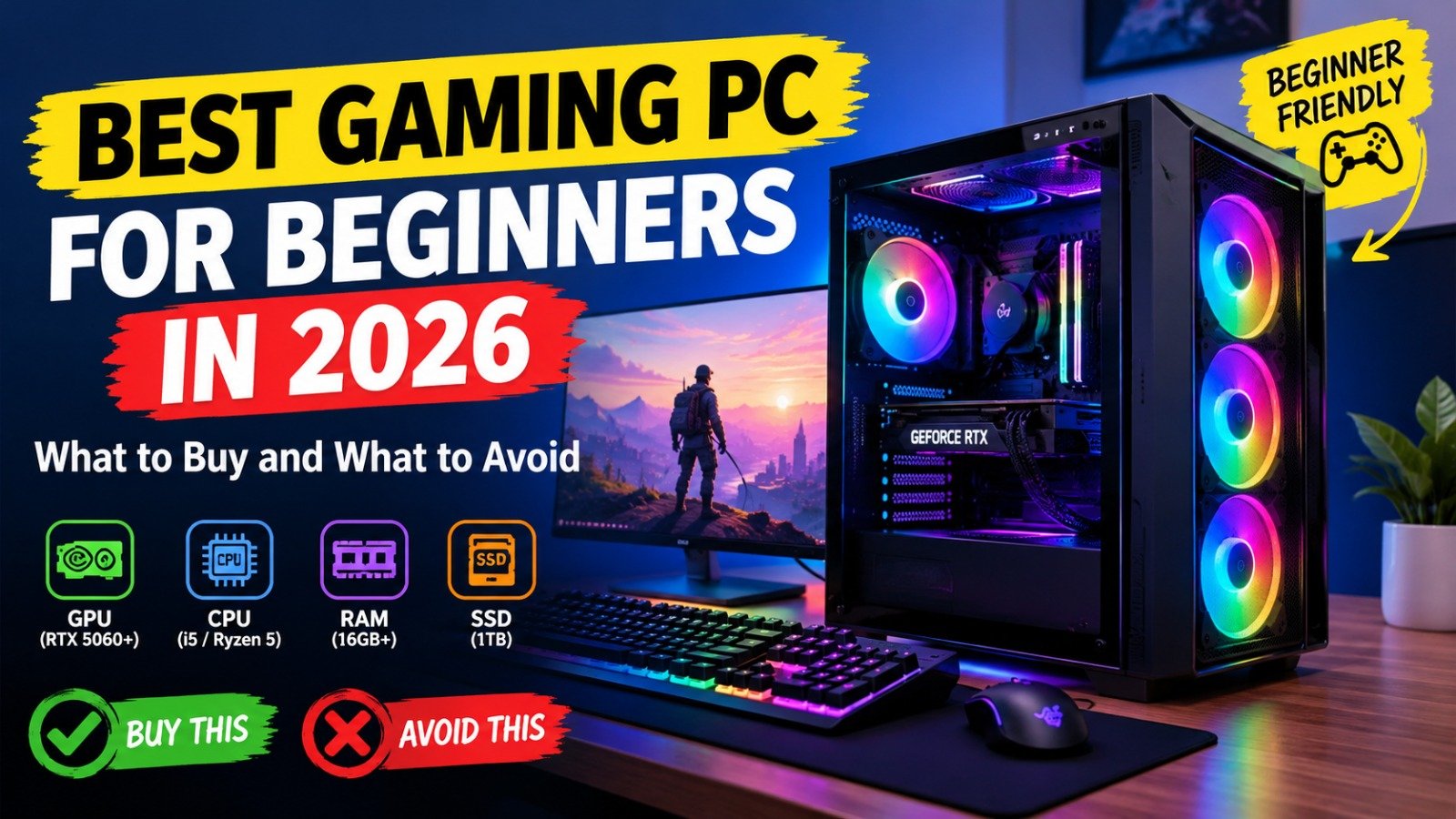
For most first-time buyers, a prebuilt gaming desktop with an NVIDIA GeForce RTX 5060 or comparable graphics card is a sensible starting point. Pair it with an Intel Core i5 or AMD Ryzen 5 processor, 16GB of RAM, and a 1TB SSD for a balanced gaming setup.
PC Gamer’s gaming PC buying guides cover desktops across different budgets, including systems around $1,000 and below. However, prices and configurations vary by retailer, so compare the complete specifications rather than choosing a computer based on its advertised discount alone.
Which Specifications Should Beginners Look For?
The graphics card, or GPU, has a major influence on gaming performance. An RTX 5060 class GPU is worth considering for players who want to run many modern games at 1080p. AMD Radeon alternatives can also offer good value, depending on their price and performance.
The processor, or CPU, handles game logic and other computing tasks. A recent Core i5 or Ryzen 5 is generally a good starting point for a balanced gaming desktop.
Memory matters too. Aim for 16GB of RAM as a practical minimum, with 32GB worth considering if your budget allows or you plan to stream and multitask. A 1TB solid state drive provides room for your operating system and several large games. Check whether the computer allows straightforward memory and storage upgrades.
Should You Buy a Prebuilt Gaming PC?
A prebuilt gaming PC is often the easiest option for beginners. The manufacturer assembles the components, installs the operating system, and tests the computer before shipping it. You can get started without learning how to install a processor, connect power cables, or troubleshoot component compatibility.
MSI’s Codex Z2 is one example of a prebuilt gaming desktop family. Depending on the configuration, it offers AMD Ryzen processors, dedicated NVIDIA graphics, DDR5 memory, and NVMe storage. MSI also highlights its airflow design and upgrade friendly use of standard components. Check the official Codex Z2 specifications before purchasing because specifications vary between models.
Building a PC yourself can provide greater control over individual components, but it requires research, assembly, and troubleshooting. Beginners who prefer convenience may find a prebuilt system easier to manage.
How Much Should You Spend on Your First Gaming PC?
Your budget should depend on the games you want to play and whether you already own a monitor, keyboard, and mouse.
A lower cost desktop may be enough for esports titles, indie games, and older releases. A dedicated GPU system around the $800 to $1,200 range is a useful target to research for a more versatile first gaming setup, although local pricing and component availability can change that value considerably.
Spending more can improve graphics performance and provide additional upgrade options, but an expensive PC is not automatically the best choice for a beginner. Keep some money aside for a suitable monitor, headset, and other essentials.
What Games Can a Beginner Gaming PC Run?

The games you can run depend on the graphics card, processor, resolution, and in game settings. Competitive titles such as Valorant and Fortnite are common starting points for new PC gamers, while demanding games like Cyberpunk 2077 may require more careful graphics adjustments.
A 1080p monitor is a sensible first choice because it offers a clear gaming experience without demanding as much graphics power as higher resolutions. Remember that performance varies by game, and you should check independent benchmarks for the exact hardware configuration before buying.
Gaming PC Buying Mistakes to Avoid
Do not choose a PC based only on its RGB lighting, case design, or processor name. A powerful CPU cannot compensate for a weak graphics card when gaming performance is the priority.
Avoid systems with vague descriptions such as “high performance graphics” that do not name the GPU. Check the power supply, cooling, warranty, available ports, and upgrade options. Also verify that the advertised price includes the operating system and determine whether a keyboard and mouse are included.
Finally, compare the total cost of the complete setup rather than the desktop alone.
Final Verdict: Which Gaming PC Should You Choose?
The best gaming PC for beginners is one that matches your budget, favorite games, and performance expectations without paying for features you do not need. For a versatile first desktop, start by comparing prebuilt systems with an RTX 5060 class GPU or a similarly capable AMD alternative, a recent Core i5 or Ryzen 5 processor, 16GB of RAM, and a 1TB SSD.
Choose a reputable manufacturer, verify the exact configuration, and check current prices before ordering. A balanced 1080p gaming PC can provide an excellent introduction to PC gaming, while upgradeable components give you options as your interests grow. The smartest purchase is not necessarily the most expensive computer; it is the one that delivers the performance you need at a price you can comfortably afford.
Table of Contents