🧠 Perfect Gaming PC in 2026 Build, Specs, and Pro Tips for Gamers and Developers
Building the perfect ultra gaming PC in 2026 isn’t just about playing GTA 6 or Cyberpunk 2077 at 4K 240Hz it’s about creating a powerhouse machine capable of running AAA games, editing 8K videos, and handling demanding developer tasks like app building or 3D modeling.
Whether you’re a gamer, content creator, or developer, here’s your complete guide to assembling a beast-tier setup from choosing parts to professional software integration.
⚙️ 1. The Core Build: Components & Specs
| Component | Recommended Model | Key Features |
|---|---|---|
| Processor (CPU) | Intel Core i9-14900K / AMD Ryzen 9 9950X | 24 cores, 5.7GHz Turbo, ideal for multitasking & gaming |
| Graphics Card (GPU) | NVIDIA GeForce RTX 5090 / AMD Radeon RX 8900 XT | Ray Tracing, DLSS 4.0, 24GB GDDR7 VRAM |
| Motherboard | ASUS ROG Maximus Z890 / MSI MEG X870E GODLIKE | PCIe 5.0, DDR5 support, Wi-Fi 7, Thunderbolt 5 |
| RAM | 64GB DDR5 (6000MHz or higher) | Future-proof speed for gaming + professional workloads |
| Storage | 2TB NVMe Gen 5 SSD + 4TB HDD | Lightning-fast load times, large storage for games/files |
| Cooling System | Custom Liquid Cooling Kit / NZXT Kraken Z73 RGB | Keeps temps low and performance high |
| Power Supply (PSU) | 1000W 80+ Platinum | Stable and efficient power delivery |
| Case | Lian Li O11 Dynamic EVO XL / Cooler Master HAF 700 EVO | Spacious, RGB, and airflow-optimized |
| Operating System | Windows 11 Pro (64-bit) | Best for gaming, app development, and editing tools |
🖥️ 2. Assembly Guide: Step-by-Step
- Prepare your workspace – Clean desk, anti-static wristband, and tools ready.
- Install CPU – Place it carefully on the motherboard socket.
- Apply thermal paste & attach cooler – Use pea-sized paste; secure your AIO or liquid cooler.
- Insert RAM sticks – Use alternate slots for dual-channel performance.
- Mount motherboard – Screw it into the case using standoffs.
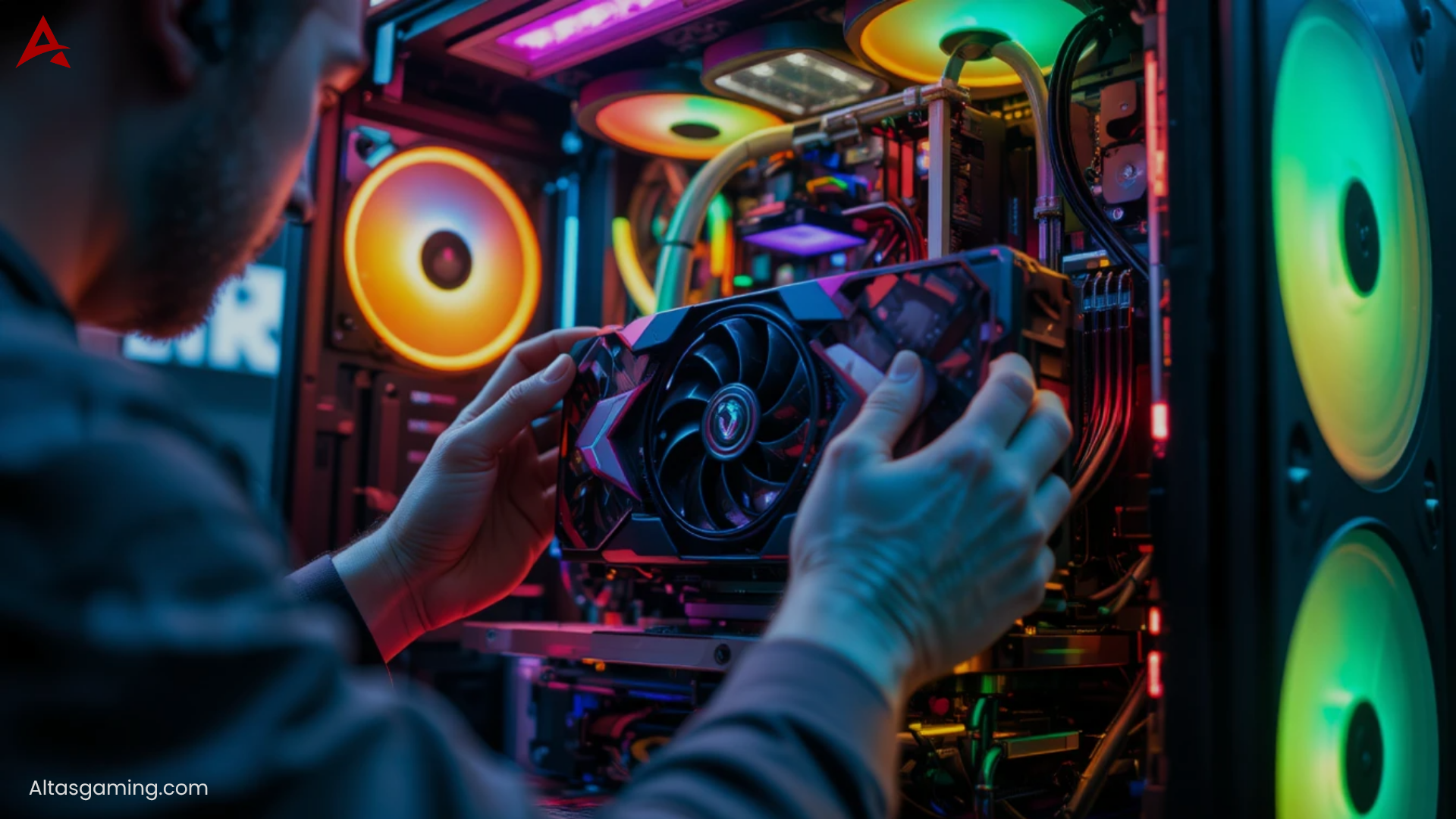
- Install GPU – Use PCIe 5.0 slot for max bandwidth.
- Connect PSU cables – CPU, GPU, and motherboard power connections.
- Add storage drives – NVMe for OS/games, HDD for files.
- Cable management – Route neatly behind the motherboard tray.
- Power on and install Windows 11 – Then install drivers, BIOS updates, and monitoring tools.
🎮 3. Best Games to Experience on Ultra PC Setup
This build can handle any modern or future title at 4K Ultra / 240Hz easily.
Top recommended games:
- GTA 6 – Ray tracing, massive open world, 4K visuals
- Cyberpunk 2077: Phantom Liberty – DLSS 4.0, full path tracing
- Call of Duty: Black Ops 2026 – Ultra FPS gaming performance
- Elden Ring 2 – Smooth HDR gameplay at 120+ FPS
- Starfield – Next-gen planetary graphics and realism
- Red Dead Redemption 2 (Modded) – Photorealistic visuals at 8K
🧑💻 4. For Developers, Editors & Designers
This PC isn’t just a gaming monster — it’s a creator’s dream machine.
Here’s how professionals can use it:
| Profession | Recommended Software | Performance Advantage |
|---|---|---|
| App/Web Developers | Visual Studio, Android Studio, Unity, Unreal Engine | Ultra-fast compile times and simulation rendering |
| Video Editors | Adobe Premiere Pro, DaVinci Resolve, After Effects | Real-time 8K video preview, GPU-accelerated rendering |
| 3D Artists | Blender, Maya, Cinema 4D | High-poly modeling, ray-traced rendering without lag |
| Designers | Adobe Photoshop, Illustrator, Figma | Instant file rendering and smooth multitasking |
| AI/ML Engineers | TensorFlow, PyTorch, CUDA | GPU cores enhance model training and data processing |
🧩 5. Recommended Peripherals
- Monitor: ASUS ROG Swift 32″ 4K 240Hz Mini-LED
- Keyboard: Corsair K100 RGB Mechanical (Optical switches)
- Mouse: Logitech G Pro X Superlight 2
- Headset: SteelSeries Arctis Nova Pro Wireless
- Chair: Secretlab Titan Evo 2026
- Desk: Autonomous SmartDesk Pro RGB Edition
💡 6. Pro Tips for Building & Optimization
- Always update your BIOS and GPU drivers for stability.
- Enable XMP/EXPO profile for full RAM speed.
- Use MSI Afterburner or NZXT CAM for performance monitoring.
- Invest in a UPS power backup to prevent data loss.
- Keep airflow balanced — two intakes, one exhaust recommended.
🚀 7. Cost Breakdown (Approx. 2026 Pricing)
| Region | Estimated Build Cost |
|---|---|
| USA | $5,000 – $6,500 |
| UK | £4,800 – £6,000 |
| Canada | CA$6,800 – CA$8,500 |
| Australia | AU$7,200 – AU$9,000 |
🏁 Conclusion
Building your own ultra gaming PC setup in 2026 is more than just a flex — it’s a future-proof investment for both gamers and professionals.
With the latest Intel, AMD, and NVIDIA hardware, you can game in 4K, create in 8K, and develop at lightning speed — all in one ultimate machine.
So whether you’re coding an app, editing a cinematic, or exploring Vice City in GTA 6, this setup ensures you never hit a performance limit.

FAQs ❓
Q1. Is it better to buy or build a gaming PC in 2026?
Building your own gives you better customization, cooling, and upgrade options — plus it’s often cheaper.
Q2. Can I use this PC for professional 3D rendering?
Absolutely! With RTX 5090 and 64GB DDR5 RAM, it handles 3D, VFX, and AI workloads easily.
Q3. What’s the best GPU for 8K gaming in 2026?
The NVIDIA RTX 5090 currently leads with superior ray tracing and DLSS 4.0 support.
Q4. Does this setup support VR and AR development?
Yes — it’s perfect for Unreal Engine, Unity XR, and Meta/Oculus SDK development.
Q5. Can this build handle multiple monitors?
You can connect up to 4x 4K or 2x 8K displays smoothly with modern GPUs.
Table of Contents
- Resident Evil Requiem Becomes 2026’s Highest-Rated Game – A Survival Horror Masterpiece or an Overhyped Sequel That Loses Steam?
- Black Ops 7 Sets a New Standard for Tactical FPS Combat – But Controversy and Matchmaking Frustrations Spark Debate
- Ghostrunner 2 Free on Epic Games, A Cyberpunk Masterpiece of Relentless Action – or a Brutally Punishing Game That’s Too Hard to Love?
- Code Vein II Is a Beautiful Evolution – But Its Uneven World Holds It Back! Or Does It Still Lack the Crown? (Feb 2026)
- Nioh 3 Review- A Brutal Soulslike Masterpiece That Perfects Samurai Combat – Or an Unforgiving Grind That Pushes Players Too Far?

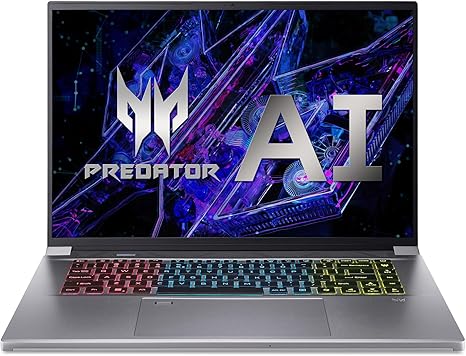
Acer Predator Triton Neo 16 Gaming Creator Laptop
| Brand | acer |
| Model Name | Acer Predator Triton Neo 16 Gaming Creator Laptop |
| Screen Size | 16 Inches |
| Color | Silver |
| Hard Disk Size | 1 TB |
| CPU Model | Intel Core i9 |
| Ram Memory Installed Size | 32 GB |
| Operating System | Windows 11 Home |
| Special Feature | Backlit Keyboard, Fingerprint Reader, Memory Card Slot |
| Graphics Card Description |


Leave a Reply