

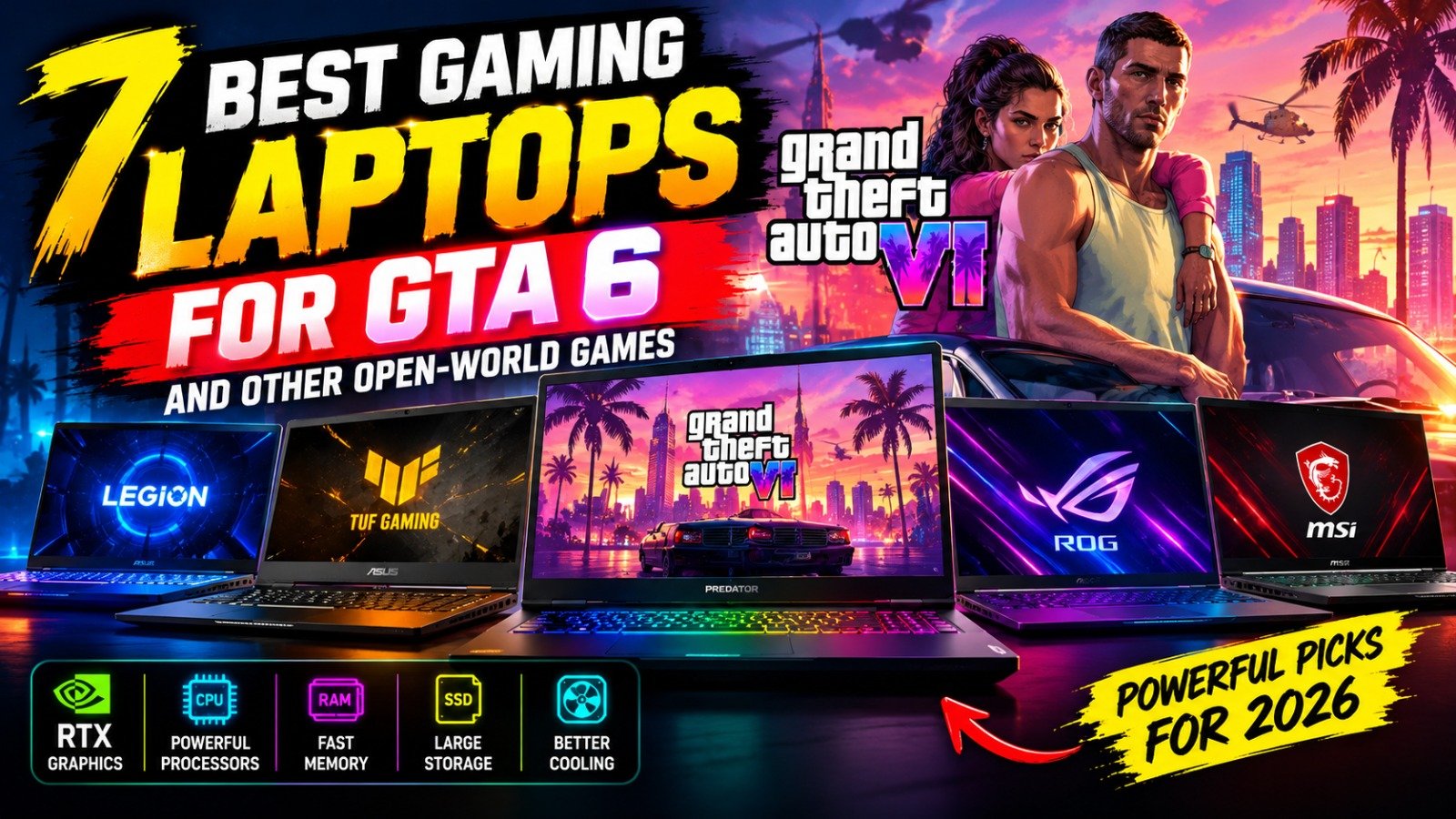
Best Gaming Laptops for GTA 6
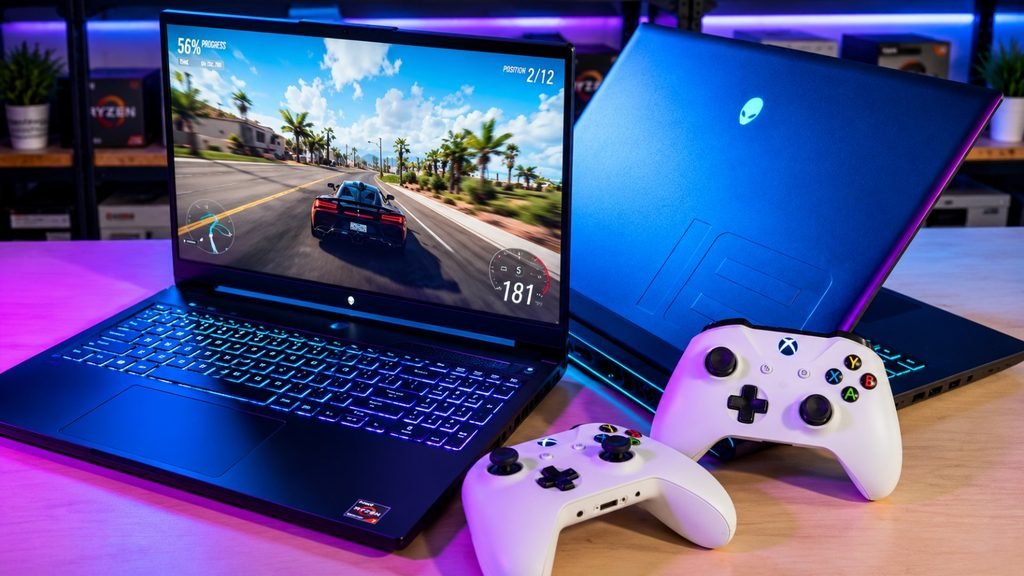
Grand Theft Auto VI is one of the most anticipated games in the world, and many PC gamers are already thinking about upgrading their hardware. A powerful gaming laptop can also help you enjoy demanding open-world titles such as Cyberpunk 2077, Red Dead Redemption 2, Hogwarts Legacy, and Starfield.
However, choosing the right laptop is not just about buying the most expensive model. Your graphics card, processor, RAM, storage, cooling system, and screen resolution all influence gaming performance.
There is one important detail to understand before shopping: Rockstar Games has not officially announced a PC version or published official PC system requirements for GTA 6 in the information currently available. Therefore, no laptop can be guaranteed to run the game at a particular resolution or frame rate. The recommendations below focus on hardware that is well suited to demanding modern PC games and offers different levels of performance and value.
Lenovo Legion Pro 5: Best Overall Gaming Laptop
The Lenovo Legion Pro 5 is a strong option for gamers who want a balance of performance, cooling, and display quality. Depending on the configuration, it can offer a powerful Intel or AMD processor, an NVIDIA GeForce RTX graphics card, and a high-refresh-rate screen.
Its gaming-focused design makes it suitable for long sessions in large open-world environments, where consistent performance and effective cooling matter.
Why consider it?
- Powerful processor and dedicated graphics options
- Gaming-focused cooling system
- High-refresh-rate display on many configurations
- Suitable for gaming, streaming, and content creation
Best for: Gamers who want a well-rounded laptop for demanding AAA games.
Buying tip: Compare the exact GPU, its power limit, RAM, and display resolution before purchasing. Two Legion Pro 5 configurations can deliver noticeably different results.
ASUS TUF Gaming A16: Best Value-Oriented Option
The ASUS TUF Gaming A16 is worth considering if you want strong gaming hardware without automatically moving into the most expensive laptop category. Selected configurations offer AMD processors and NVIDIA GeForce RTX graphics, including RTX 5060 or RTX 5070 options, depending on the model and market.
The TUF series is designed around gaming performance and durability. It can be a practical choice for players who want to explore large game worlds while keeping an eye on their budget.
Why consider it?
- Multiple performance configurations
- Dedicated graphics for demanding games
- Gaming-focused cooling and chassis design
- Useful for everyday work as well as gaming
Best for: Budget-conscious gamers looking for capable hardware.
Buying tip: Prioritize a configuration with at least 16GB RAM, preferably 32GB if your budget allows, and a 1TB SSD if you plan to install several large games. Check the exact GPU power limit as well.
Acer Nitro V 16: Best for Budget-Conscious Gamers
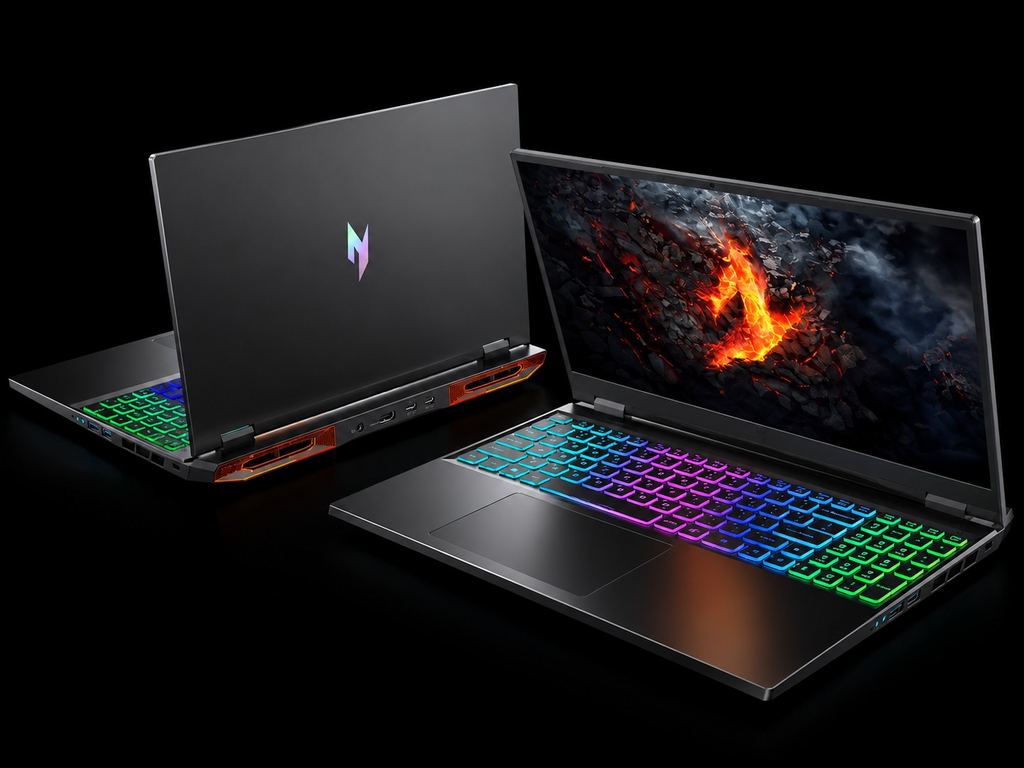
The Acer Nitro V 16 is another option for gamers who want dedicated graphics without paying flagship prices. Some configurations feature NVIDIA GeForce RTX 5060 graphics, making them worth comparing for 1080p gaming across a range of modern titles.
Its larger screen can make exploring detailed environments more comfortable than playing on a small laptop display. As with other gaming laptops, the exact configuration matters more than the product name alone.
Why consider it?
- More affordable configurations may be available
- Dedicated NVIDIA graphics options
- Large display suited to immersive games
- Memory and storage upgrade options on selected models
Best for: Players seeking a practical entry into PC gaming.
Buying tip: Check whether the model includes 16GB or 32GB RAM, how much SSD storage is available, and whether additional memory or storage can be installed later. A cheaper configuration with limited storage may need an upgrade sooner than expected.
ASUS ROG Zephyrus G16: Best Premium Gaming Experience
The ASUS ROG Zephyrus G16 combines gaming performance with a relatively sleek design. Depending on the configuration, it can feature high-end NVIDIA graphics, a powerful processor, and a premium display.
This makes it appealing to people who want one machine for gaming, university or work, video editing, and other demanding applications. Its portability is an advantage compared with some larger gaming laptops, although powerful components can still produce heat and consume significant battery power.
Why consider it?
- Premium build and display options
- High-performance graphics configurations
- Suitable for gaming and creative workloads
- More portable design than many desktop-replacement laptops
Best for: Gamers who want performance without an overly bulky design.
Buying tip: Look closely at the GPU included in the specific model. Premium branding does not guarantee that every configuration is equally powerful, and a thinner chassis may have different sustained performance from a larger gaming machine.
MSI Vector 16 HX: Best for High-Performance Gaming
The MSI Vector 16 HX is designed for users who prioritize performance. Selected configurations include powerful processors and graphics options such as the NVIDIA GeForce RTX 5070 Ti, depending on the generation and market.
A laptop in this class is worth considering for demanding AAA games, high-resolution gaming, and multitasking. The larger chassis can also provide room for a substantial cooling system, although actual thermal performance depends on the configuration and design.
Why consider it?
- High-performance processor options
- Powerful dedicated graphics configurations
- Large screen for immersive gameplay
- Suitable for demanding games and heavy workloads
Best for: Players who want more performance headroom for future games.
Buying tip: Compare the MSI Vector with similarly priced laptops using the same GPU class. Cooling, graphics power limits, screen quality, and warranty support can matter as much as the headline specifications.
Alienware 16 Area-51: Best for a Desktop-Replacement Setup
The Alienware 16 Area-51 is a powerful option for gamers who mostly play at a desk and want a laptop that can handle demanding games. Configurations featuring high-end NVIDIA graphics, including RTX 5080 options, are available in this performance-focused category.
Its larger body and substantial hardware make it better suited to a dedicated gaming space than to someone who carries a laptop around all day. For players who value high settings, detailed visuals, and demanding workloads, this type of machine deserves consideration.
Why consider it?
- High-end graphics configurations
- Powerful hardware for demanding AAA games
- Large screen and desktop-replacement design
- Suitable for gaming and other intensive applications
Best for: Enthusiasts who prioritize performance over portability.
Buying tip: Check the laptop’s weight, power adapter size, cooling performance, and total price. A desktop-replacement gaming laptop can be less convenient for travel and may cost substantially more than a midrange alternative.
Razer Blade 16: Best Premium Portable Option
The Razer Blade 16 is aimed at gamers who want a premium design alongside powerful components. Depending on the configuration, it offers high-end NVIDIA graphics, a quality display, and a compact design relative to many performance-focused gaming laptops.
It can appeal to people who move between home, work, and gaming sessions. However, premium materials and a slim design can increase the price, so it is important to decide whether portability and build quality justify the extra cost.
Why consider it?
- Premium construction and design
- Powerful graphics options
- Display configurations suited to immersive games
- Useful for gaming and creative work
Best for: Gamers who value portability, design, and high performance.
Buying tip: Compare the price against a Lenovo Legion, MSI Vector, or similarly equipped laptop. If gaming performance is your only priority, a less expensive model with comparable GPU power may offer better value.
What Specifications Should You Look for in a GTA 6 Gaming Laptop?

Since official GTA 6 PC requirements are not available, use the following as general purchasing guidance for demanding modern games, not as confirmed requirements for GTA 6.
| Component | What to look for |
|---|---|
| Graphics card | A dedicated NVIDIA GeForce RTX 5060 or better is a sensible starting point for a new performance-focused gaming laptop |
| Processor | A recent Intel Core i7/Core Ultra 7 or AMD Ryzen 7-class processor, or a comparable modern chip |
| RAM | 16GB as a starting point; 32GB offers more headroom for demanding games and multitasking |
| Storage | A 1TB SSD is preferable if you install multiple large games |
| Display | A good 1080p or 1600p panel with a high refresh rate |
| Cooling | A design capable of sustaining performance during long gaming sessions |
These are general recommendations, not a guarantee that a laptop will meet GTA 6’s eventual requirements. A graphics card’s laptop power limit, cooling system, and memory configuration can significantly affect real-world performance.
Should You Buy a Gaming Laptop Before GTA 6 Comes to PC?
That depends on what you want to play now. If your current laptop struggles with modern games, upgrading could make sense for titles that are already available on PC. You can enjoy games such as Cyberpunk 2077, Red Dead Redemption 2, and Hogwarts Legacy while waiting for more information about GTA 6.
However, if GTA 6 is the only reason you want a new laptop, waiting for an official PC announcement and system requirements may be the smarter financial decision. Rockstar’s published platform information currently lists PlayStation 5 and Xbox Series X|S, while official PC requirements have not been announced. Check the latest information from Rockstar before making a purchase.
You should also compare a gaming laptop with a desktop PC or console. A laptop offers portability and an all-in-one setup, while a desktop can provide better performance per dollar and more upgrade flexibility. A console may be a more straightforward option if you mainly want to play GTA 6 without buying a complete PC setup.
Final Verdict
The best gaming laptop for GTA 6 depends on your budget, portability needs, and the games you play today. The Lenovo Legion Pro 5 is a strong all-round candidate, the ASUS TUF Gaming A16 and Acer Nitro V 16 are worth comparing for value, and the ASUS ROG Zephyrus G16, MSI Vector 16 HX, Alienware 16 Area-51, and Razer Blade 16 target different premium and high-performance needs.
Before buying, compare exact specifications instead of relying only on a laptop’s name or advertised graphics card. Most importantly, do not pay extra solely because a seller claims a laptop is guaranteed to run GTA 6. Wait for official PC requirements if the game is your main reason for upgrading.
Frequently Asked Questions
What is the best gaming laptop for GTA 6?
There is no confirmed best laptop for GTA 6 on PC because official PC system requirements have not been announced. The Lenovo Legion Pro 5, ASUS TUF Gaming A16, and higher-performance models from ASUS, MSI, Alienware, and Razer are worth comparing for demanding modern games.
Is an RTX 5060 laptop enough for GTA 6?
That cannot be confirmed until official PC requirements and reliable performance benchmarks are available. An RTX 5060 laptop can be considered for modern 1080p gaming, but performance will depend on the game’s eventual requirements and the laptop’s configuration.
Is 16GB RAM enough for open-world games?
Sixteen gigabytes is a reasonable starting point for many current PC games. However, 32GB can provide additional headroom for demanding titles, background applications, and multitasking. Check the requirements of each game before buying.
Should I buy an RTX 5070 or RTX 5080 gaming laptop?
An RTX 5070 laptop may offer a better balance of price and performance for many players, while an RTX 5080 model targets buyers who want more graphics headroom. Compare the complete laptop, including cooling, GPU power limits, memory, display, and price, rather than choosing by GPU name alone.
Can a gaming laptop run other open-world games?
Yes. A suitably equipped gaming laptop can run many PC open-world games, including Cyberpunk 2077, Red Dead Redemption 2, Hogwarts Legacy, and Starfield. The settings and performance you can expect depend on the hardware and each game’s requirements.
Table of Contents




Leave a Reply